
Switch to Click & Collect
and boost your sales.
POS, QR Codes, Click & Collect, Delivery, Payments and WhatsApp. One single solution. 0% commission on every order.
- 0% commission
- No setup fee
- Cancel anytime
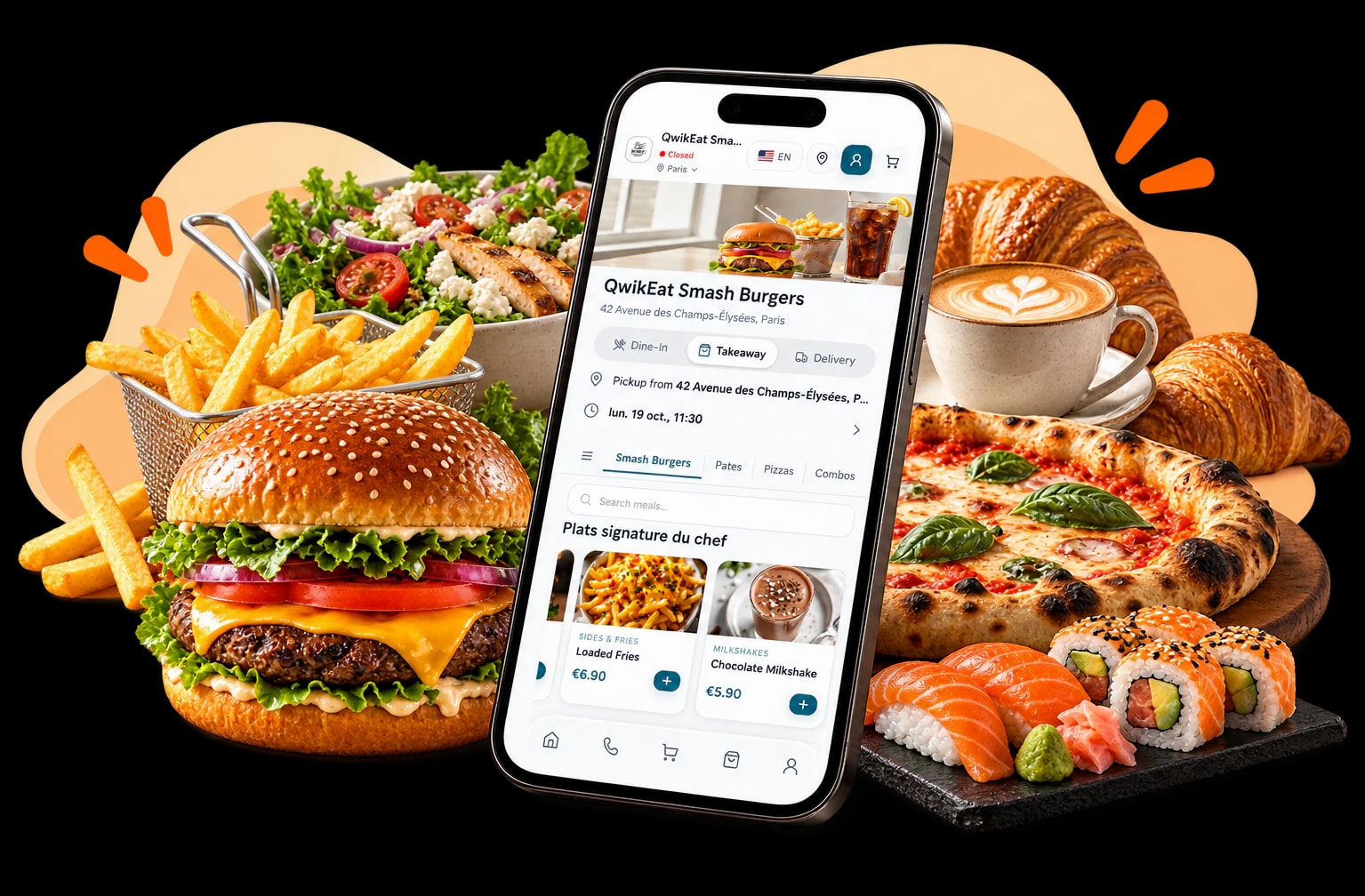
QR Code
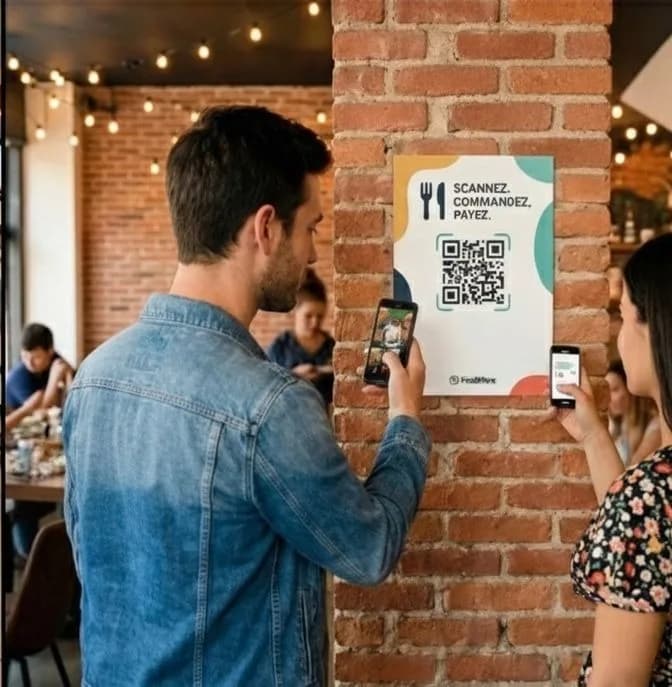
Customers scan, browse your menu and order from their phone. No wait, no app.
Ordering website & mobile app
Your own branded ordering site and app, so customers order from anywhere.
Contactless card payments
Take Visa, Mastercard and more contactless, straight on your phone.
Register solution
A modern register on any Android or iOS tablet or smartphone.
QwikEat adapts to every restaurant model
We combine online ordering, loyalty and AI automation to fit any setup. From dark kitchens to coffee shops, beach restaurants or food trucks, QwikEat stays smooth, simple and ready for peak hours.
Immediate ordering
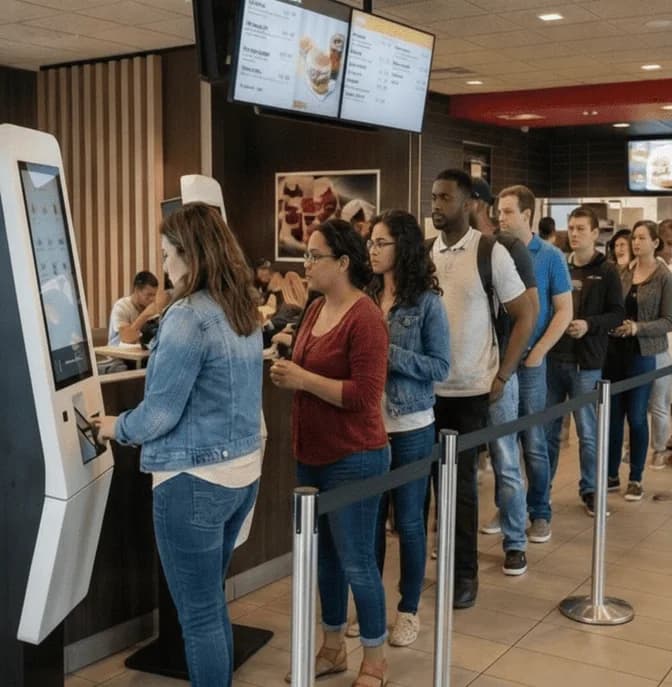
Move from queues to instant ordering by scanning a QR.
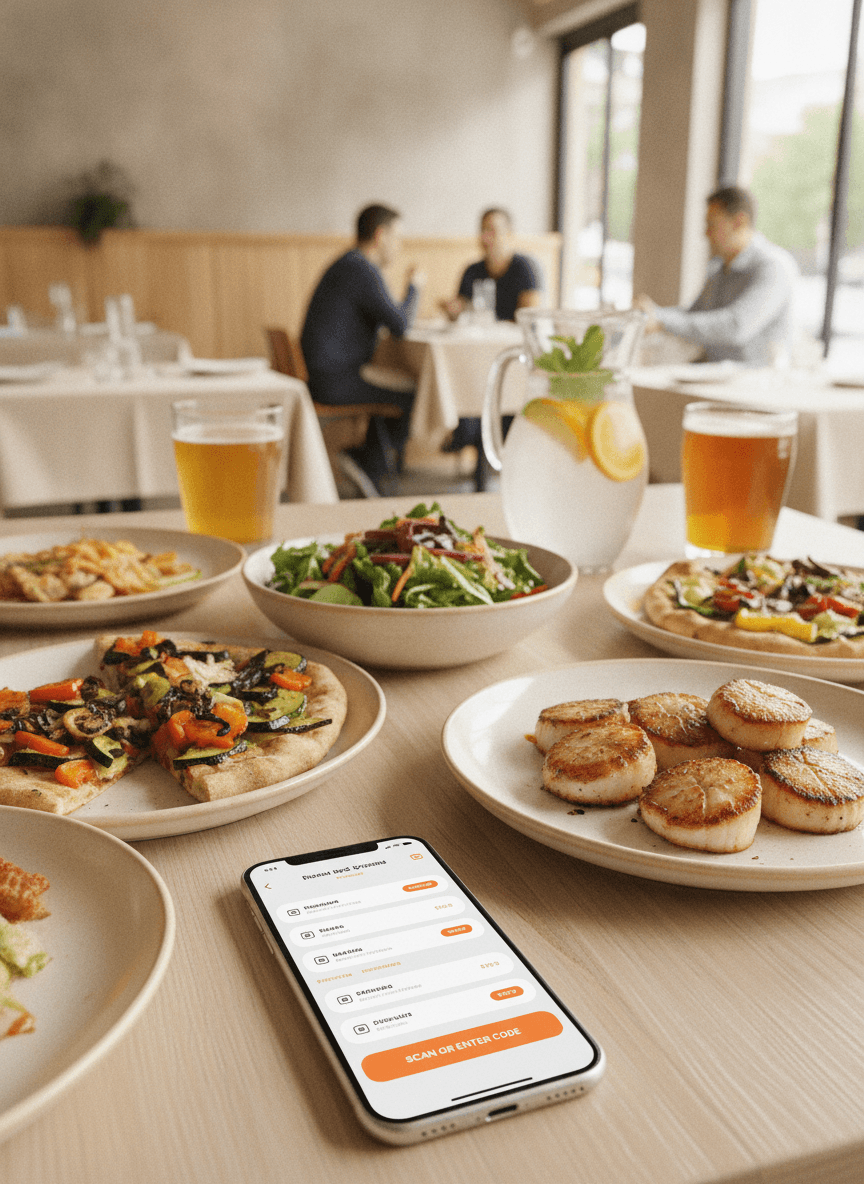
Restaurant
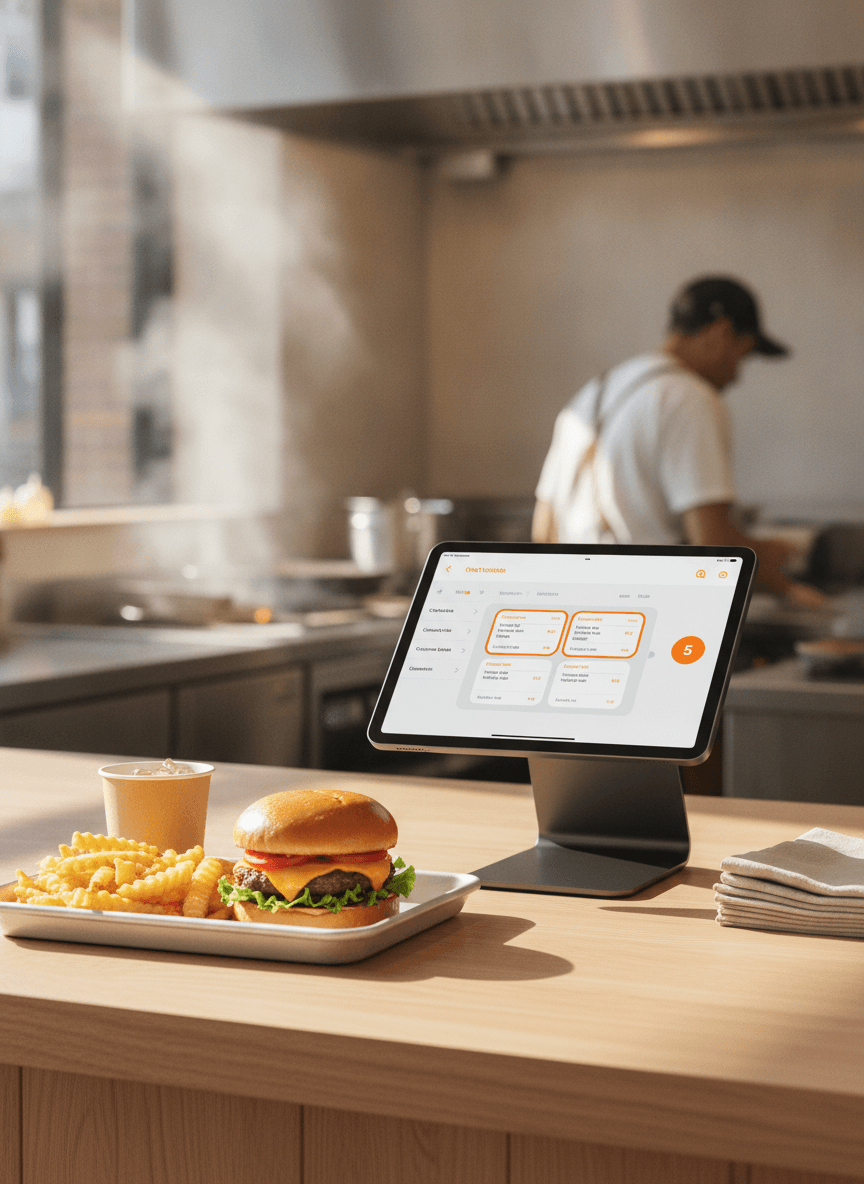
Fast food
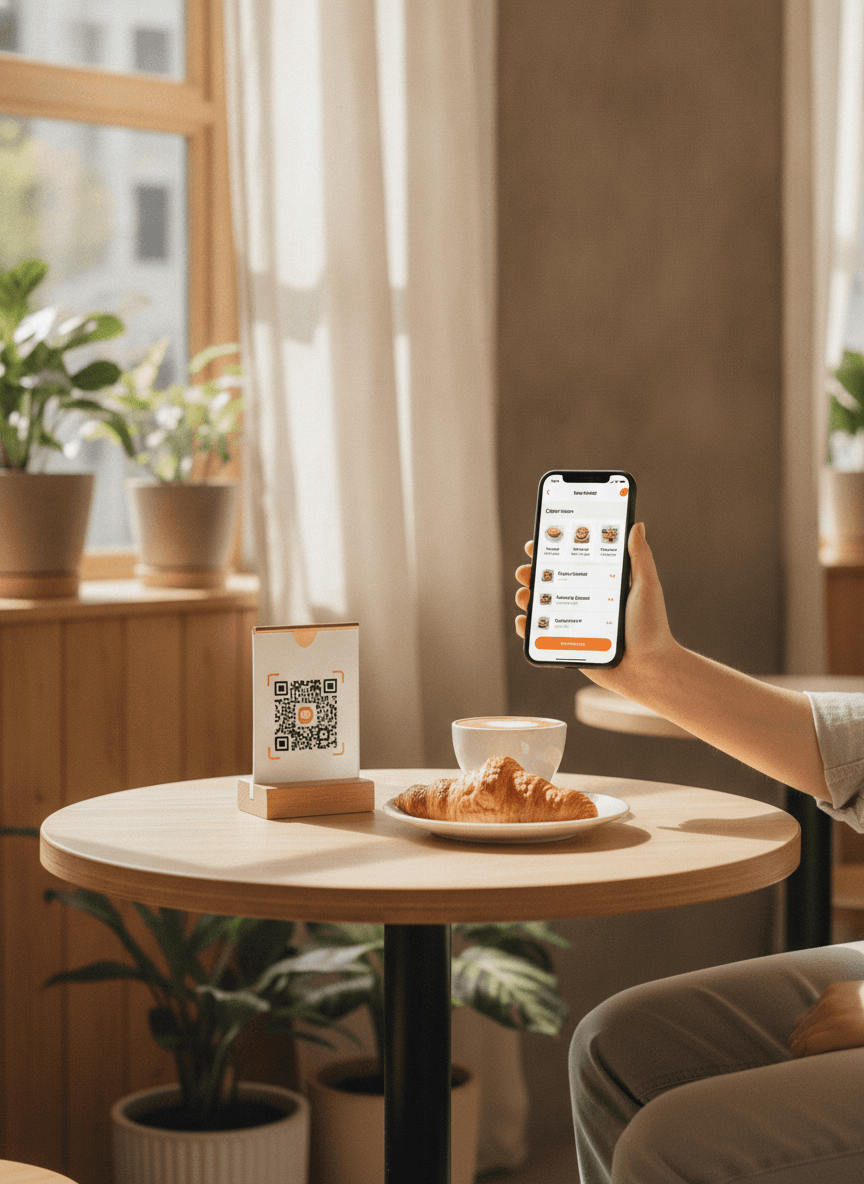
Café
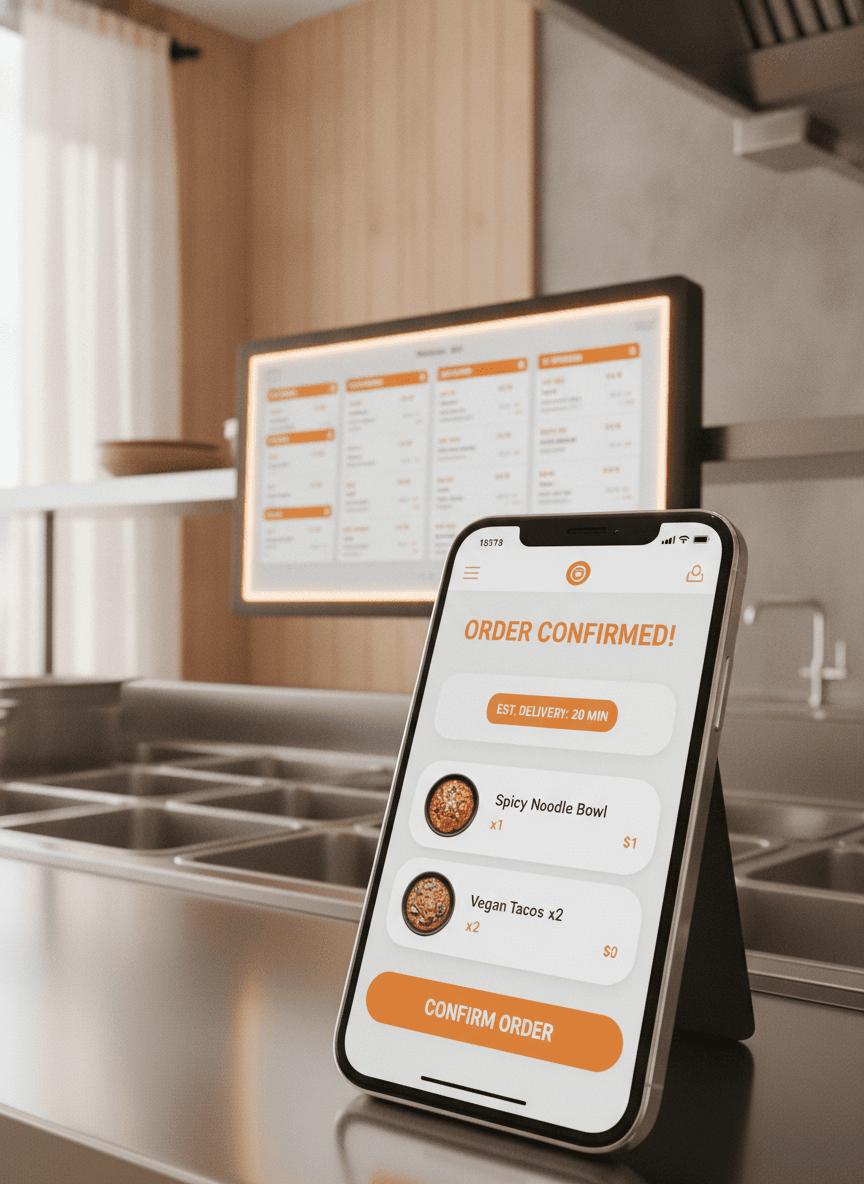
Dark kitchen
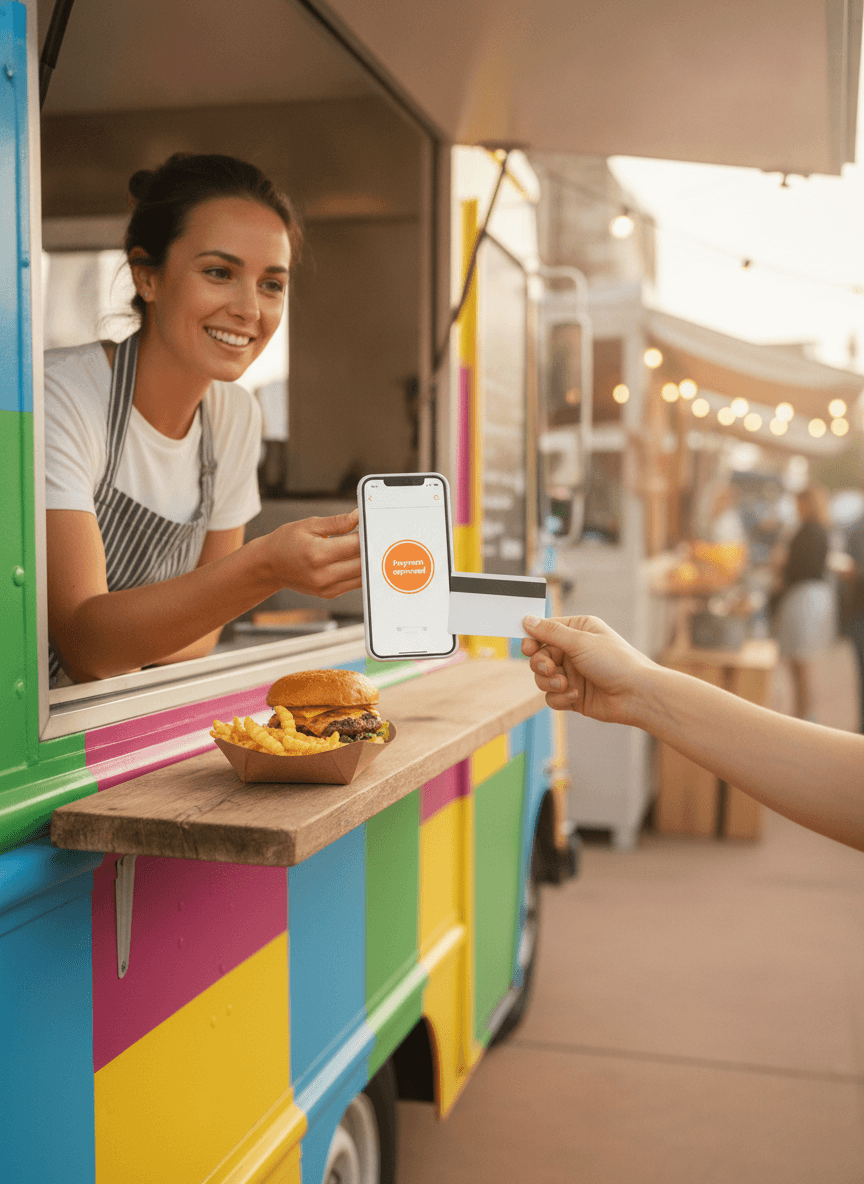
Food truck
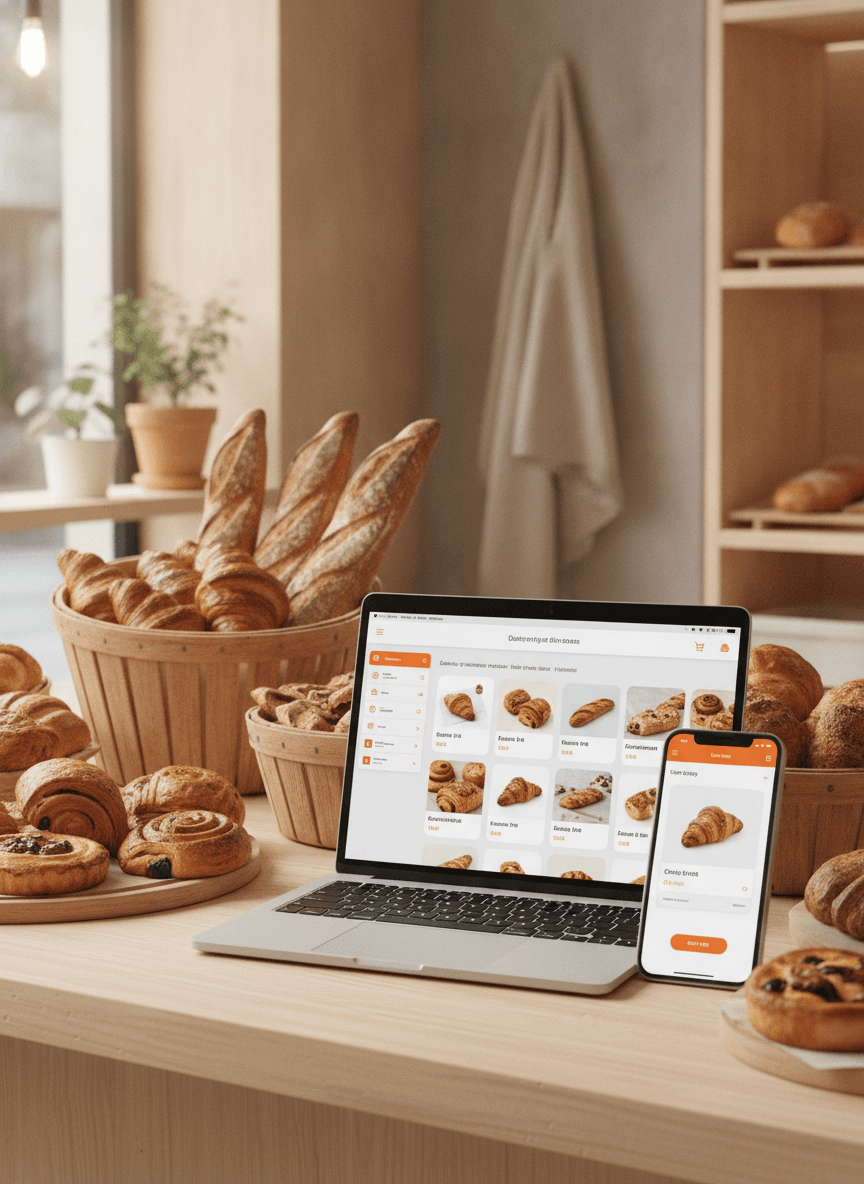
Bakery
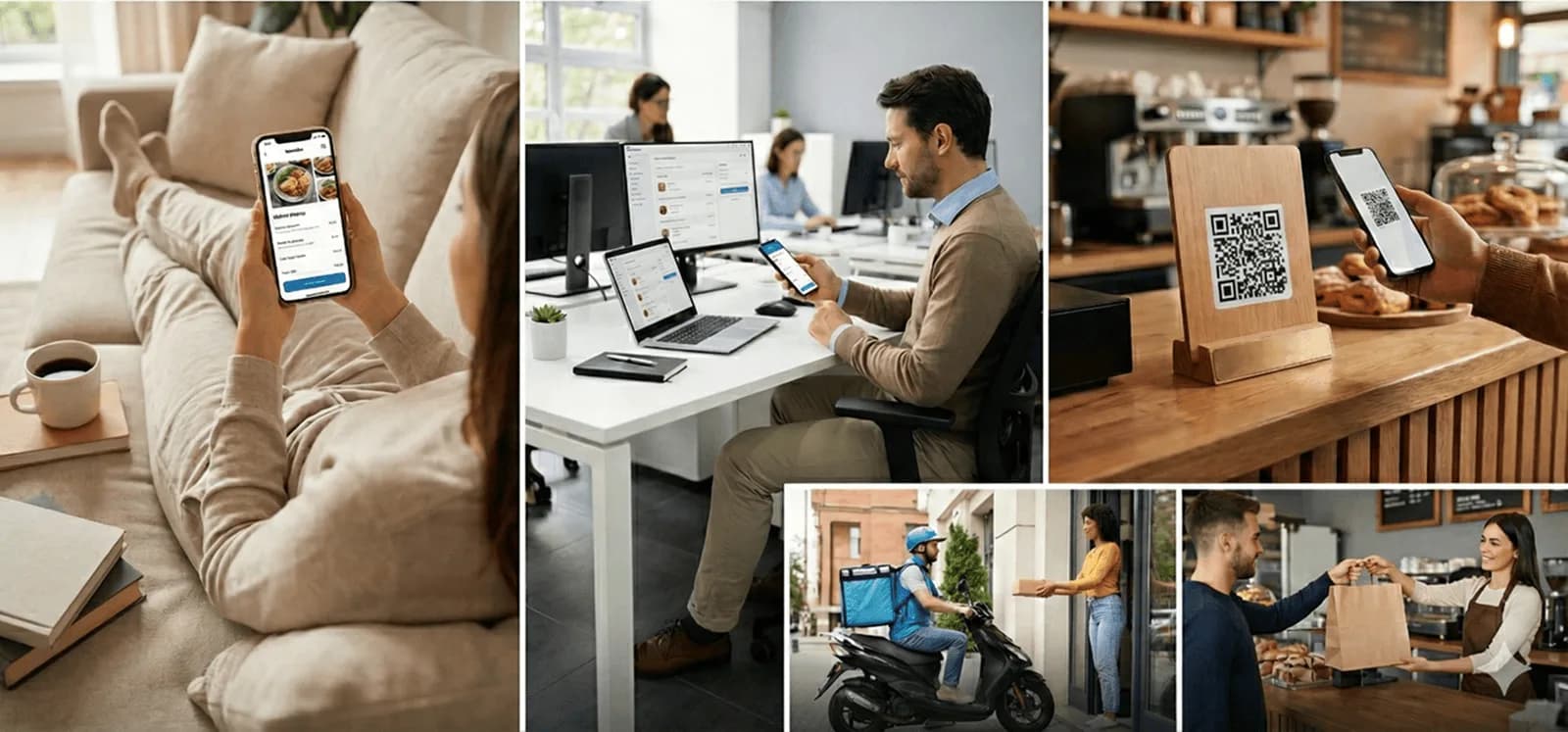
Your customers can order seamlessly whether they are at home, at the office, or already in your venue.
Offer your customers a simple, fast and intuitive ordering experience. With QwikEat, you get a modern, attractive online shop with no excessive commission, built to grow revenue from day one.
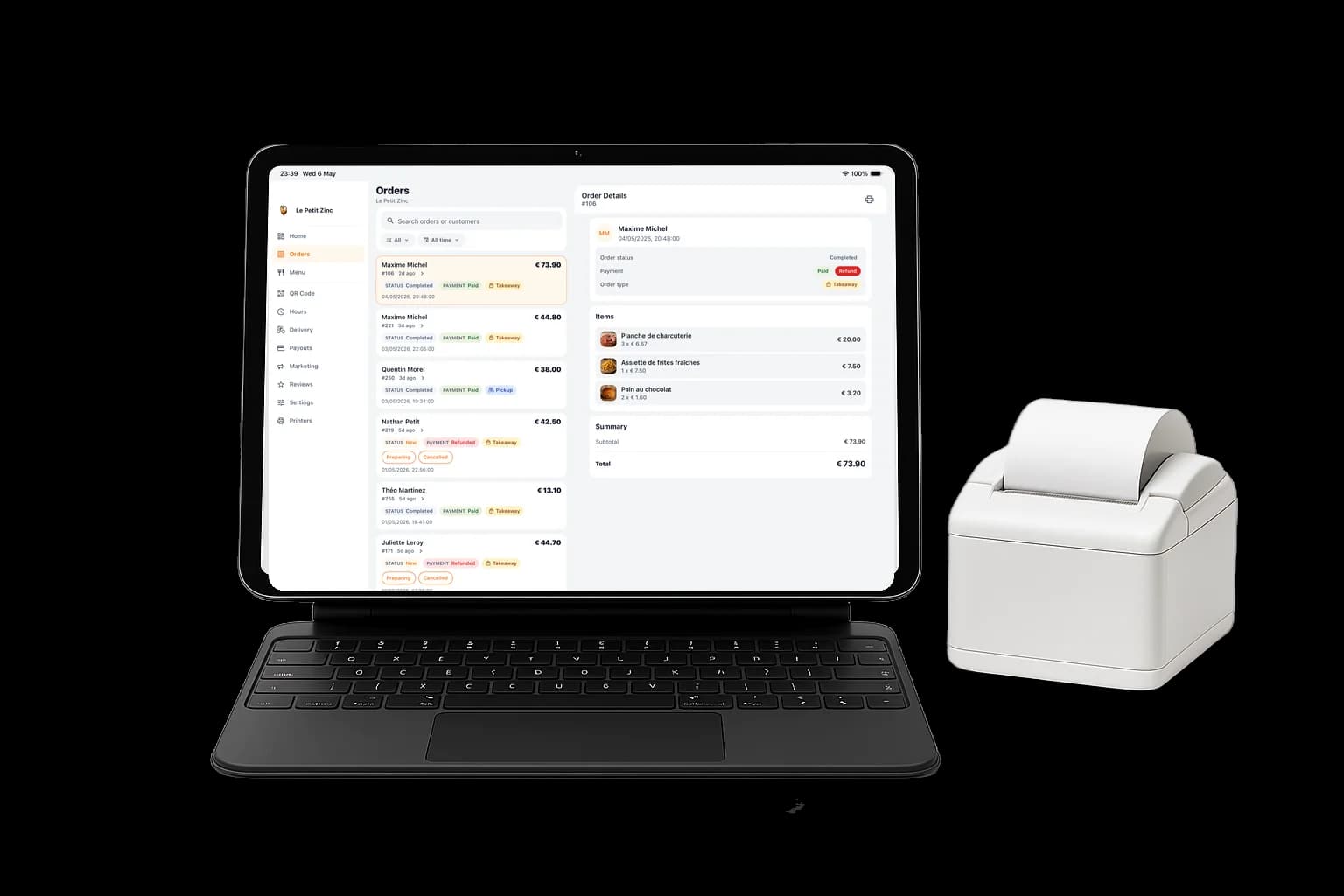
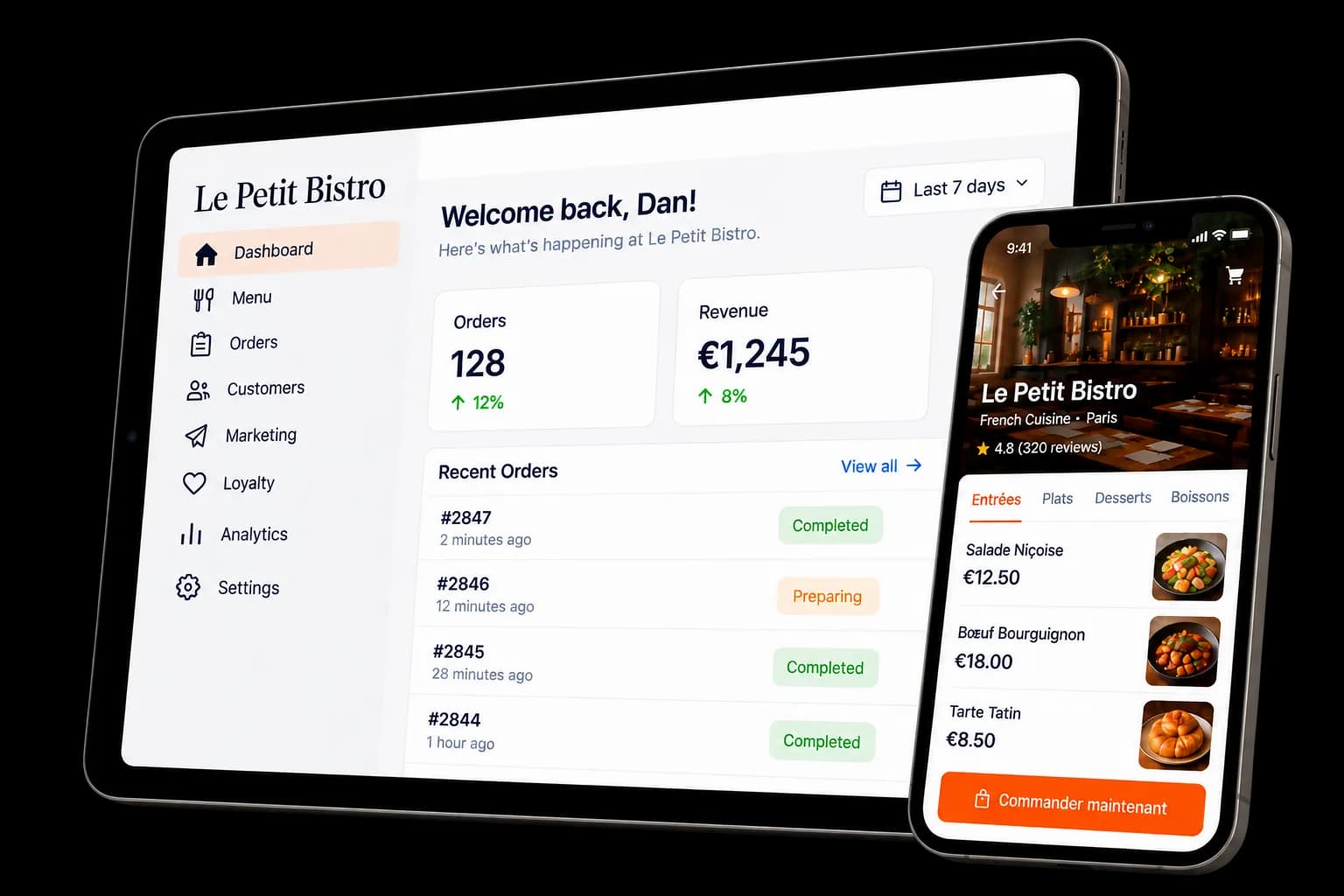
Simple, playful dashboard: manage your restaurant from your fingertips
Access your revenue and orders in real time wherever you are, on an intuitive dashboard.
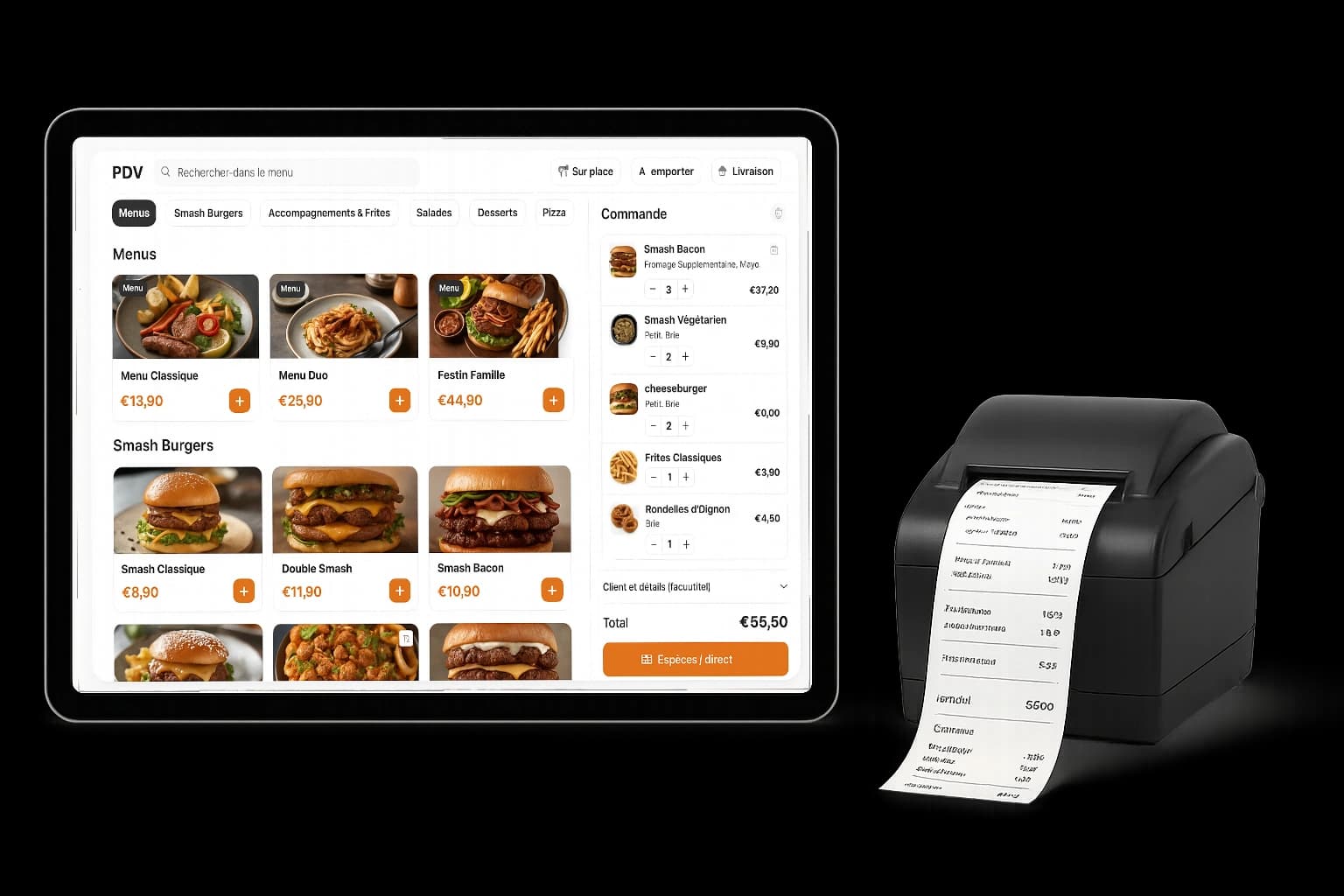
The online shop designed to grow your sales - QwikEat
See how instant ordering boosts your revenue.
Adjust your volumes to estimate the additional revenue QwikEat unlocks with automated upsells and multi-channel ordering.
This profitability simulator is indicative and cannot be considered contractual.
Annual projection+$66,801
How we compute these gains
- Click & Collect: +18% orders with 80% accepting a +30% upsell.
Based on data from independent restaurants across Europe.
Already have a menu on another platform?
Paste your Uber Eats or Deliveroo link and we rebuild your menu, prices, photos and opening hours on your own ordering site in minutes.
Nothing changes on your current platform.
One plan. 0% commission.
One simple monthly plan, and every order stays yours. No setup fee, no commitment, 30-day free trial.
What you get with QwikEat
Sell
- Custom ordering website
- QR Code & QR Table
- Dine-in, takeaway and delivery
- Secure card payments
- iOS and Android app
Menus & Products
- Live menu editor and categories
- AI menu import from PDF or photos
- AI food photos and menu assistant
- Option groups, combos and bundles
Grow your sales
- Targeted and automatic upsells
- Featured and popular items
- Coupons, promos and discount codes
- Loyalty and cashback
- Reviews and ratings
Delivery
- Delivery setup
- Driver management
- Live map tracking
- New-order alerts and push notifications
- Receipt and kitchen ticket printing
Customers
- CRM and customer database
- Order history
- Advanced filters and search
- Loyalty programs
- Targeted push notifications
Insights
- Analytics and revenue reports
- Payouts and transactions ledger
- Connect your own domain
0% commission · 30-day free trial · Cancel anytime
Frequently Asked Questions
Getting Started
How does QwikEat work?
QwikEat is an all-in-one online ordering solution that offers maximum flexibility to your customers. Your customers can order via:
- QR code: 2 options available - General QR code for your global ordering page - Location-specific QR codes (table, counter, terrace, etc.) - unlimited QR codes
- Website: Via your personalized ordering page
- Mobile app: Directly from the QwikEat app
You choose the service options you offer:
- Takeaway (Click & Collect)
- Dine-in (table ordering)
- Delivery (if you have your own couriers) You manage menus, hours, service options, and all orders from a simple, intuitive interface.
How long does setup take?
Setup is ultra-fast: less than 24 hours after your registration is validated. You receive a personalized ordering link you can share immediately with your customers.
Do I need any technical skills?
No, no technical skills are required. Our interface is designed to be simple and intuitive. Plus, our team helps you get started.
Can I try the solution before committing?
Yes! Your plan starts with a 30-day free trial, with no setup fee. You add a card when you start, nothing is charged for 30 days, we email you 2 days before the trial ends, and you can cancel before then to pay nothing.
Pricing & Commissions
What are your prices?
QwikEat is one simple monthly plan, so you keep what you earn:
- 0% commission on every order
- No setup fee and no commitment
- 30-day free trial, with an email reminder 2 days before it ends The price is on our Pricing page.
Are there hidden fees?
No hidden fees. You pay your monthly plan, and QwikEat takes 0% commission on your orders. Every fee is listed on our Pricing page. No setup fee.
How are payments paid out?
Order payments are paid directly to your bank account at the frequency you choose (daily, weekly, or monthly).
Are there additional fees?
QwikEat takes 0% commission. Card payments carry a small per-order fee on top of Stripe's processing fee; the details are on our Pricing page.
Features
Can I create QR codes for different locations?
Yes! QwikEat lets you create two types of QR codes: General QR code:
A single QR code that links to your global ordering page, perfect for storefront display or marketing materials. Location-based QR codes:
You can generate an unlimited number of location-specific QR codes, each tied to a precise spot (table 1, table 2, counter, terrace, etc.). When a customer scans the QR code, you automatically know where the order came from, which greatly helps service, especially for table ordering.
How do I manage my menu and pricing?
You can update your menu, prices, descriptions, and photos in real time from your restaurant dashboard. Changes are instantly reflected on your ordering page. Flexible pricing by service mode:
QwikEat lets you customize pricing by service mode:
- Dine-in pricing
- Takeaway pricing (Click & Collect)
- Delivery pricing (if you offer delivery with your couriers) You can apply different prices based on whether customers dine in, take away, or get delivery—useful to reflect packaging or delivery costs.
Can I define pickup time slots?
Yes, you set your opening hours and available pickup slots. You can also block certain slots during peak periods or temporarily close orders.
How do I manage options and add-ons?
You can create as many options, add-ons, and variants as needed for each item (size, cooking, sides, allergens, etc.).
Can I limit the number of orders per time slot?
Yes, QwikEat gives you full control over your order flow to avoid kitchen overload: 15-minute slot management:
You can define limits per 15-minute slot for:
- A maximum number of orders (e.g., 10 orders per 15-minute slot)
- A maximum number of items (e.g., 20 dishes per 15-minute slot) Automatic closing:
As soon as a time slot reaches the limit you set, it closes automatically and is no longer available to customers. This ensures your kitchen is never overwhelmed and you maintain service quality. This feature helps you adapt order flow to your real production capacity.
Can customers leave special notes?
Yes, customers can add comments to their order (cooking preferences, allergies, etc.).
Order Management
Where can I see my orders?
You can track and view all your orders in real time on:
- The QwikEat mobile app - Manage orders wherever you are from your smartphone
- The QwikEat web admin interface - Access your dashboard from any computer Both interfaces are synced in real time for optimal management.
How am I notified of a new order?
You receive instant email notifications for every new order. You can also view orders in real time on your dashboard.
Can I refuse or cancel an order?
Yes, you can refuse an order within a reasonable time frame and the customer is automatically refunded. You can also contact the customer directly through the platform.
How do I handle preparation delays?
If you’re running late, you can easily notify customers through the interface. An automatic message is sent to inform them of the updated delay.
Can I print orders?
Yes, you can print order tickets directly from your web admin interface or view orders on tablet/smartphone via the QwikEat mobile app in the kitchen.
Payments
What payment methods do you accept?
Thanks to our partner Stripe, QwikEat accepts all popular payment methods in Europe: Bank cards:
- Visa, Mastercard, American Express
- Debit and credit cards Digital wallets:
- Apple Pay
- Google Pay
- PayPal
- Link (Stripe payment network)
- Amazon Pay
- Samsung Pay
Are payments secure?
Yes, all payments are 100% secure. We work with Stripe, our trusted partner and a global leader in online payments. All transactions meet the strictest PCI-DSS standards.
Who is Stripe?
Stripe is an internationally recognized payment platform used by millions of companies worldwide (Shopify, Uber, Amazon, etc.). It guarantees maximum security and reliability for you and your customers.
How are payments paid out?
Order payments are deposited directly into your bank account:
- First payout: 7 days after your first sale
- Next payouts: 1 business day after each transaction
- Paid by Stripe straight to your bank account
Are there bank transfer fees?
Payouts are made by Stripe straight to your bank account, whatever the frequency or amount. All fees are listed on our Pricing page.
Can customers pay on pickup?
You can offer online-only payment or also allow payment on pickup.
What happens in case of a refund?
If an order is canceled, the refund is automatic and the customer receives the amount in 3 to 5 business days.
Analytics & Reporting
Do I have access to analytics?
Yes, you get a full dashboard with sales statistics, top products, peak hours, and more.
Can I export my data?
Yes, you can export all your order and sales data to Excel or PDF for accounting.
How do I track my revenue?
Your dashboard shows real-time revenue for the day, week, month, and year. You can also compare performance across periods.
Personal Assistant
What is the personal assistant?
QwikEat includes a smart personal assistant directly in your admin interface. Available 24/7, it answers your questions instantly and guides you through the platform.
How do I access the personal assistant?
The assistant is accessible at any time from your admin space. Just click the chat icon to ask questions in natural language.
What can the personal assistant do?
The assistant can help you:
- Configure your settings and menu
- Manage orders and resolve issues
- Understand your analytics
- Find features quickly
- Answer all your questions about using QwikEat
Does the assistant replace human support?
The personal assistant handles most common questions instantly. For more complex or specific requests, you can always contact our support team by email at [email protected].
Technical
Do I need to install anything?
QwikEat is accessible via:
- QwikEat mobile app - Downloadable on iOS and Android to manage orders on the go
- Web interface - Accessible from any browser on computer, tablet, or smartphone, with no installation You choose the tool that best fits how you work.
What happens if there is a technical issue?
Our technical team responds quickly to resolve any issue. In case of downtime, you are immediately alerted and kept informed until resolution.
Is my data secure?
Yes, all your data is hosted in France on secure servers and backed up daily. We are GDPR compliant.
Marketing
How do I promote my Click & Collect service?
We provide marketing tools: QR codes, customizable posters, social media visuals, and communication tips to announce your service.
Can I create promo codes?
Yes, you can create custom promo codes (percentage or fixed amount) with usage conditions (minimum amount, validity, number of uses).
Can customers leave reviews?
Yes, customers can leave reviews after picking up their order. This builds trust and improves your visibility.
Can I send messages to my customers?
Yes, you can send notifications to inform customers about news, special offers, or events.
Have more questions?
Our team is here to answer all your questions. Email: [email protected]
Get in touch.
Ask about setup, pricing, or switching from marketplace orders. We will point you to the fastest path.
Also available on
The owner app for orders on the go, and the customer app where your place is listed.
Stop paying commission on your own customers.
0% commission. No setup fee.