
Products/Review Management
Happy reviews to Google. Sad ones to your kitchen.
Most restaurants ask everyone the same way: 'leave us a Google review!' QwikEat asks how the meal was first. Five stars go to Google. Four and below go straight to you, before they go anywhere else.
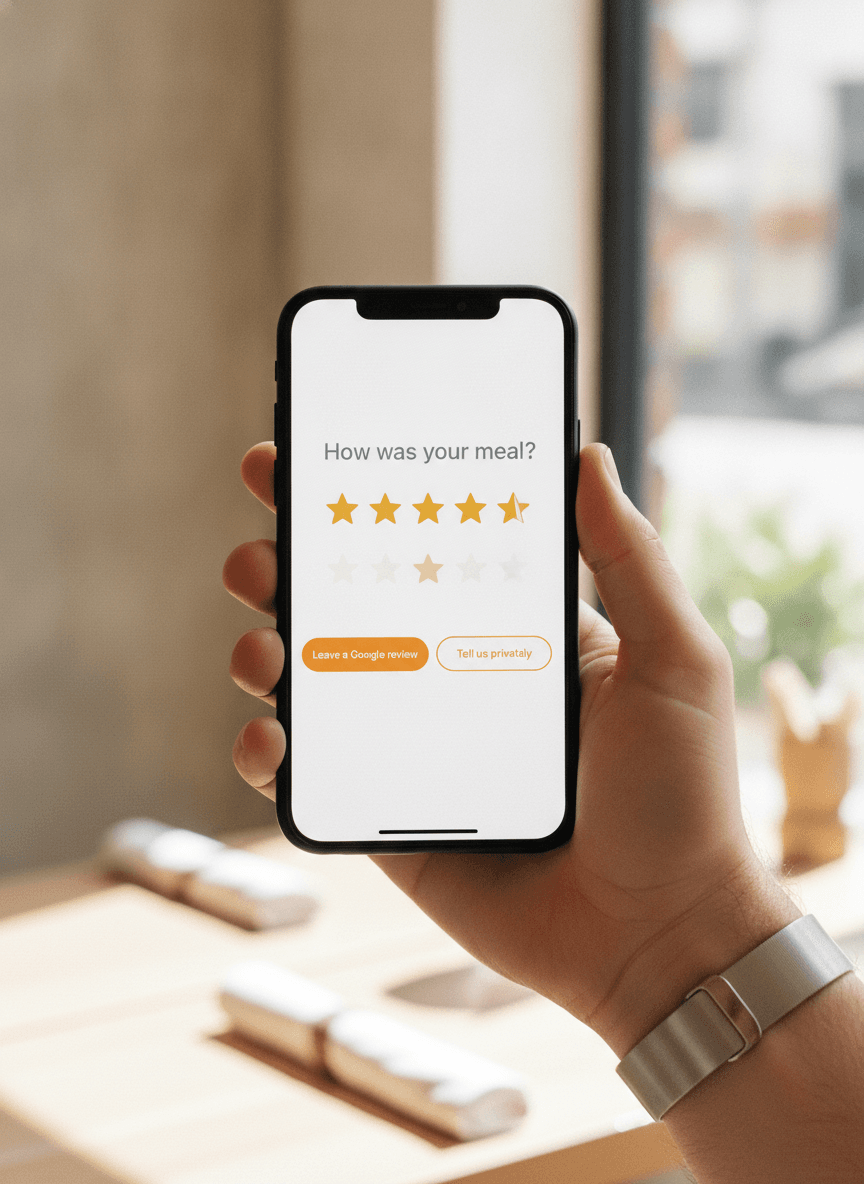
One question. Sent at the right second.
Right after the bill is paid, while the meal is still good in their head. 'How was your meal?' One tap. Stars. Done. Most guests answer. The ones who do are the ones whose opinion you wanted anyway.
- Sent at payment, not three days later
- One screen, one question, one tap
- Works from QR, takeaway, delivery, dine-in
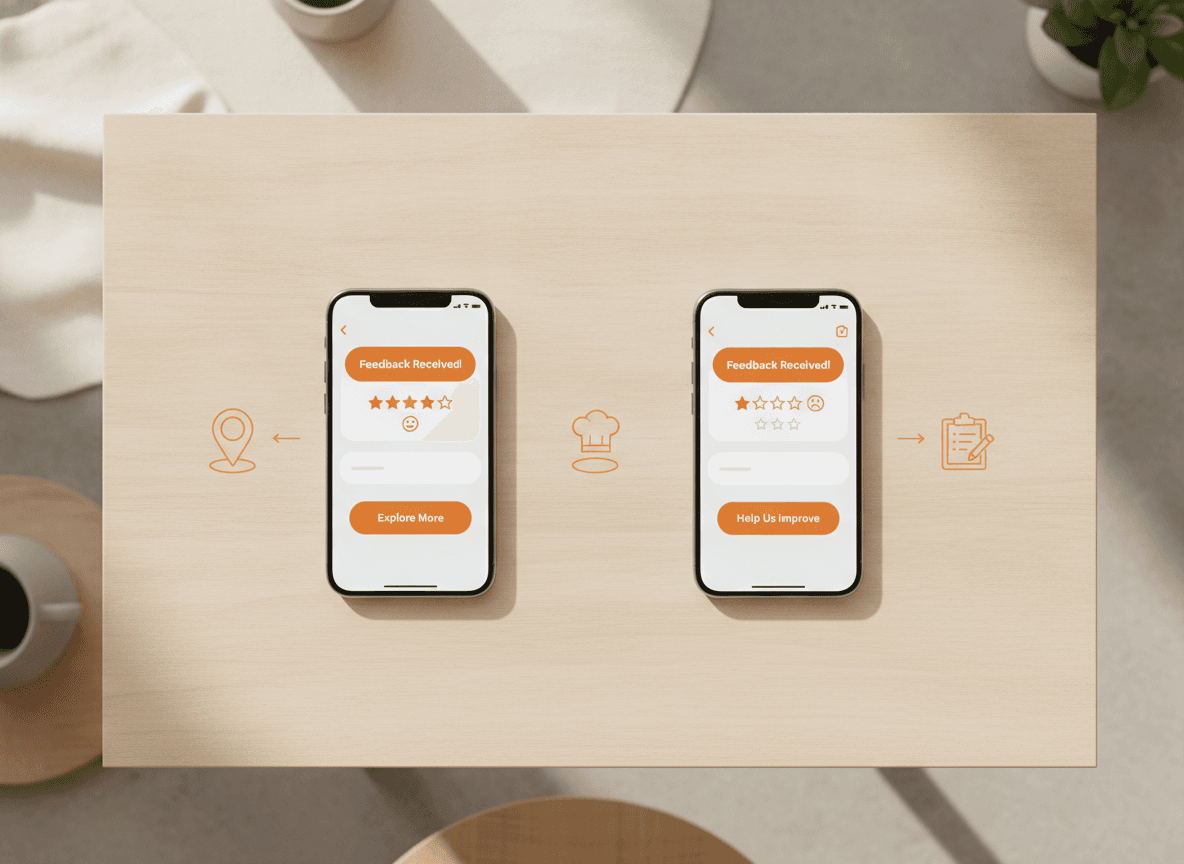
Five stars goes to Google. Everything else doesn't.
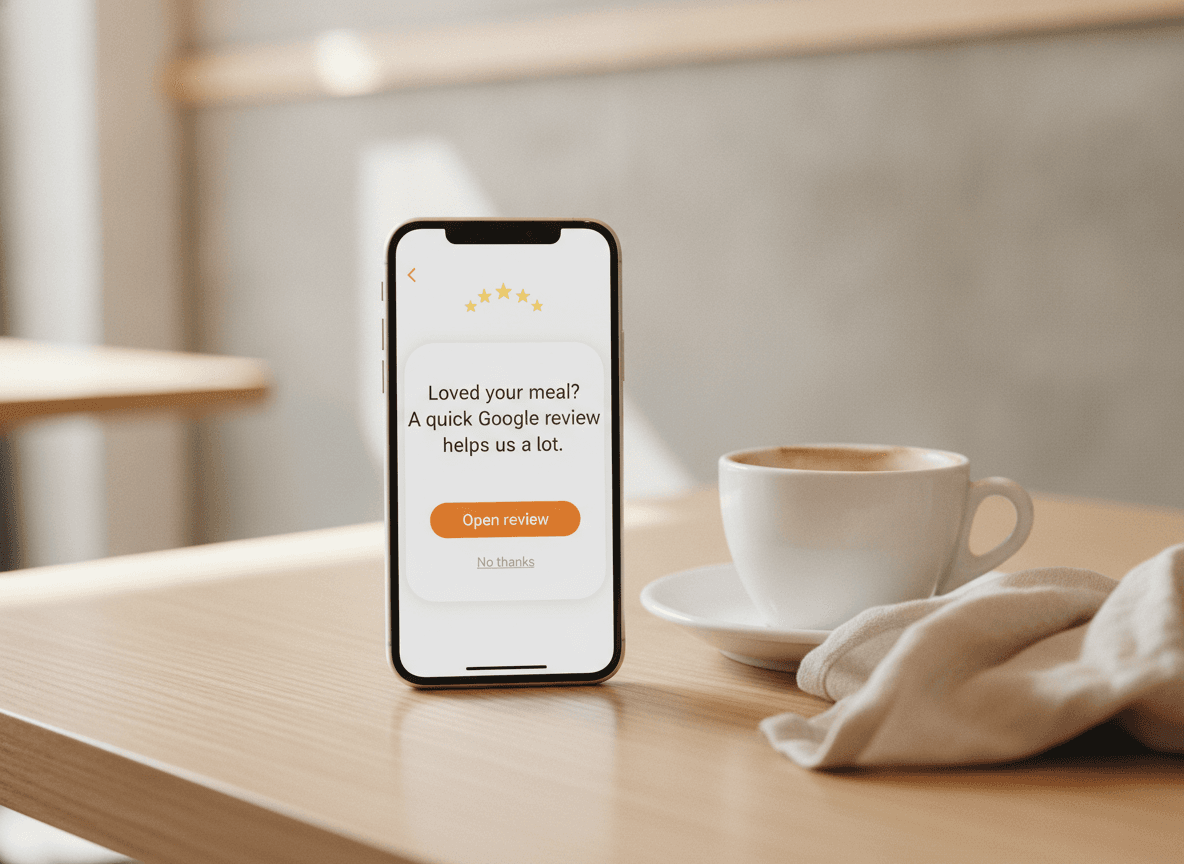
If they're happy, the next screen is a friendly nudge to leave a Google review with the link pre-filled. If they're not, the next screen asks what went wrong, and the answer goes to your inbox, not to the internet.
- 5★ → Google review button, pre-filled
- ≤4★ → private feedback to your kitchen
- Multi-language: works in 5 languages
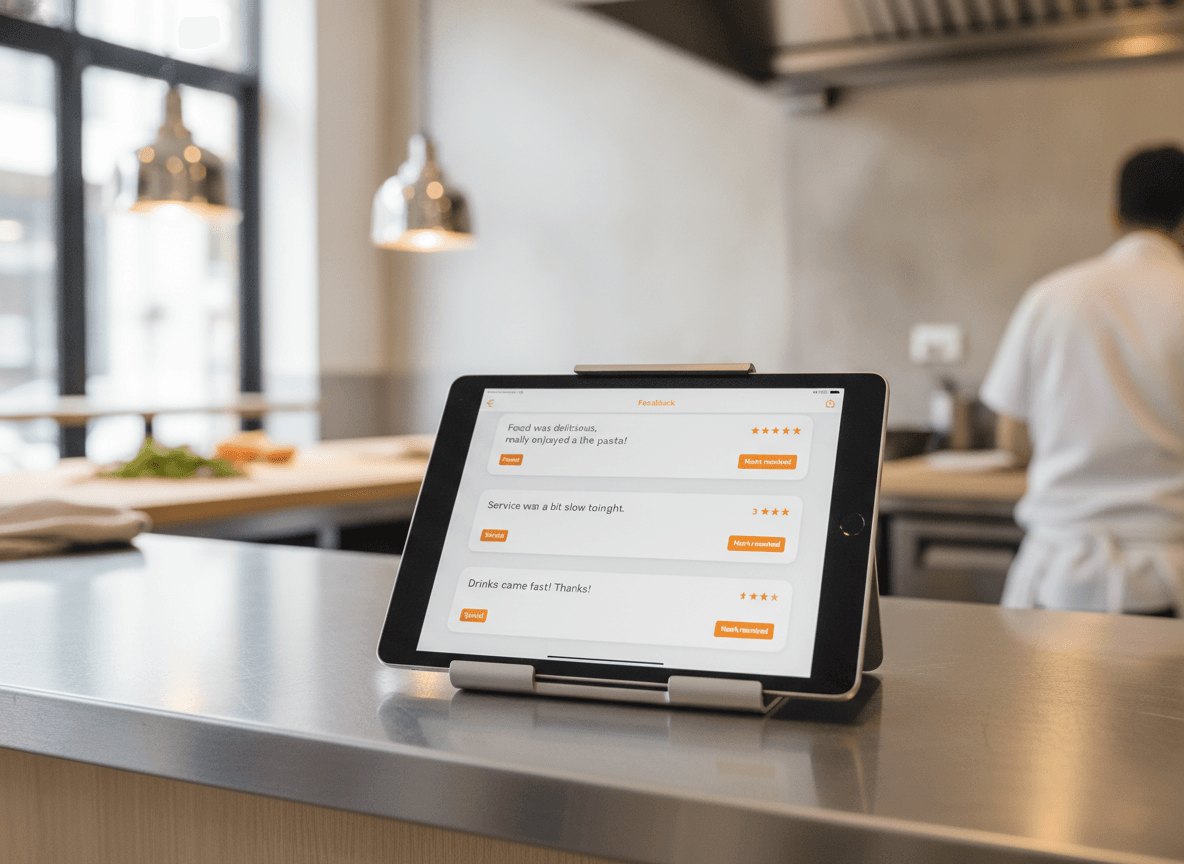
The kitchen sees the feedback that matters.
A negative review on Google is a footnote in your reputation forever. A negative comment in your kitchen inbox is something you can actually fix. Cards arrive tagged (service, food, speed), assignable to a manager, with a mark-as-resolved button.
- Tagged: service, food, speed, ambience
- Assign to a team member
- Mark resolved, leave a note for next time
Reply to every review, in under a minute.
QwikEat drafts a reply based on the guest's comment. You read it, tweak a word, post it. Restaurants that respond to reviews get more reviews. The dashboard pulls in reviews from Google so you don't have to switch tabs.
- AI-drafted replies, ready to edit
- Google reviews surfaced in your dashboard
- Reply directly, no platform switching

What's included
What's in the box
- Post-meal feedbackOne question, sent at payment, one tap.
- Smart routing5★ to Google, ≤4★ to your inbox.
- Private feedback inboxTagged, assignable, resolvable.
- AI reply draftsFriendly, on-brand, ready to post in a tap.
- Five languagesAsked and answered in the guest's language.
- Sentiment dashboardAverage score, trend, top tags.
- Low-score alertsNotification the second a negative review lands.
- Assign to teamRoute a complaint to the right manager.
- Compliant nudgingWithin Google's review-gating policy.
Getting started
Live in about ten minutes.
- 01
Connect your Google profile
Link your Google Business Profile so we can pull in reviews and pre-fill the review link. Takes about three minutes.
- 02
Pick when to ask
Right after payment is the default. You can change it: 1 hour later, end of shift, next morning. Pick what feels right.
- 03
Watch the stars come in
Five stars stack up on Google. Honest feedback stacks up in your inbox. You reply from one dashboard.
Bank-grade encryption on every transaction. Money lands in your account, not a marketplace's.


Frequently asked questions
Isn't filtering negative reviews against Google's policy?
When does the feedback question get sent?
What if a guest leaves a 5-star review but it's actually sarcastic?
How do replies work?
Will my Google rating actually go up?
Can I see what my guests are unhappy about?
Does it work for takeaway and delivery?
How much does it cost?
Stop wasting your good reviews. Stop hiding from the bad ones.
Five stars to Google. Honest feedback to you. Set up in about ten minutes. Included with QwikEat.