
Products/QR Ordering
Every table, a checkout.
Guests scan the QR, order from their phone, and pay before the server even walks over. You get the whole ticket. The marketplaces get nothing.
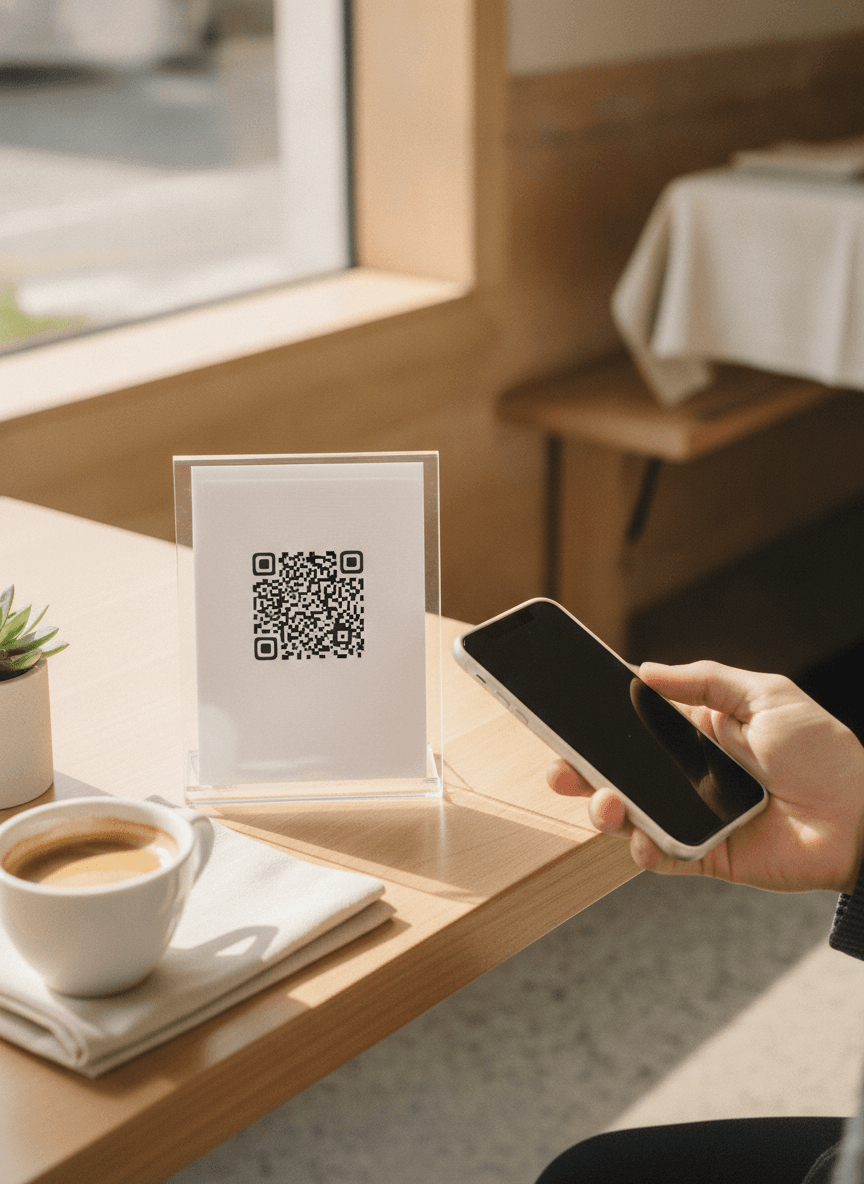
A scan, not an app.
Guests point their camera at the QR and the menu opens in the browser. No download, no store, no account, no email. Honestly, the first order can be in before they've even sat down.
- Loads in under 2 seconds on mobile data
- Works on any iPhone or Android, no exceptions
- No login, no signup, no drop-off
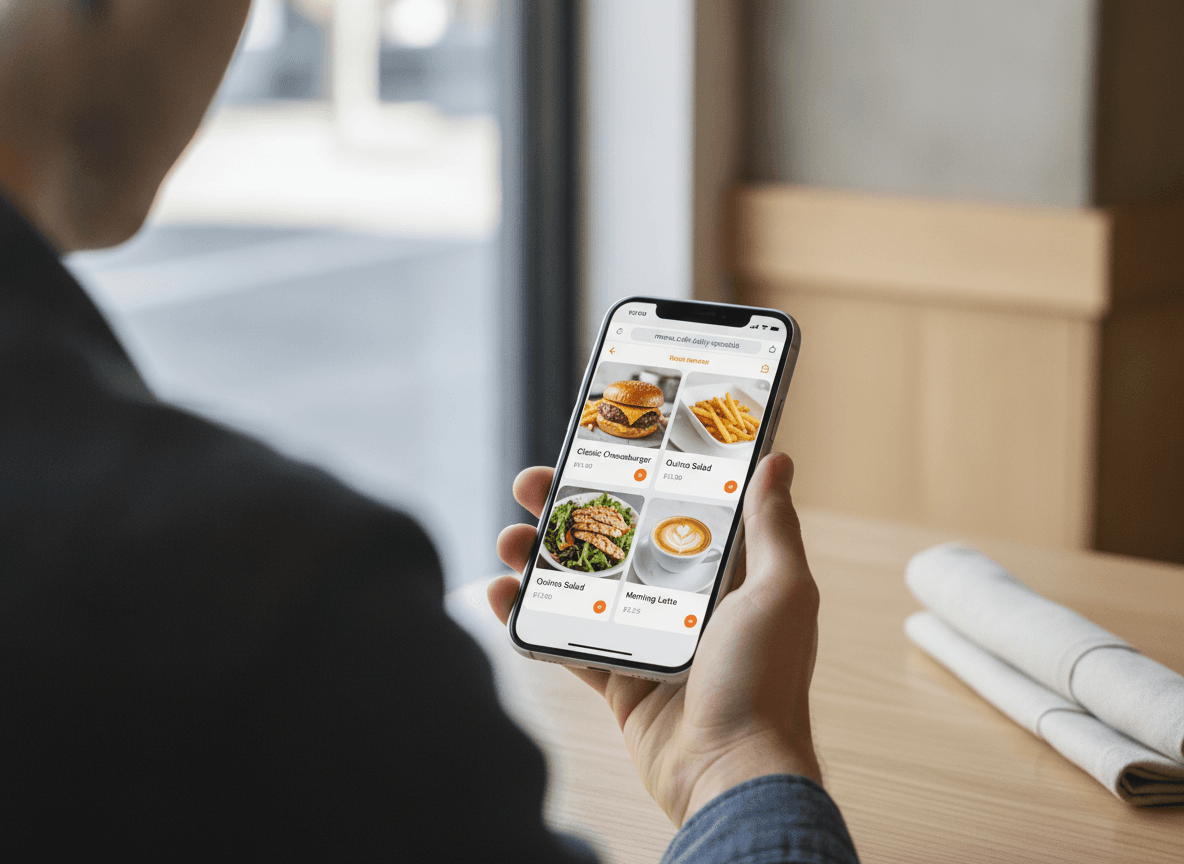
From scan to firing the pan, in under a minute.
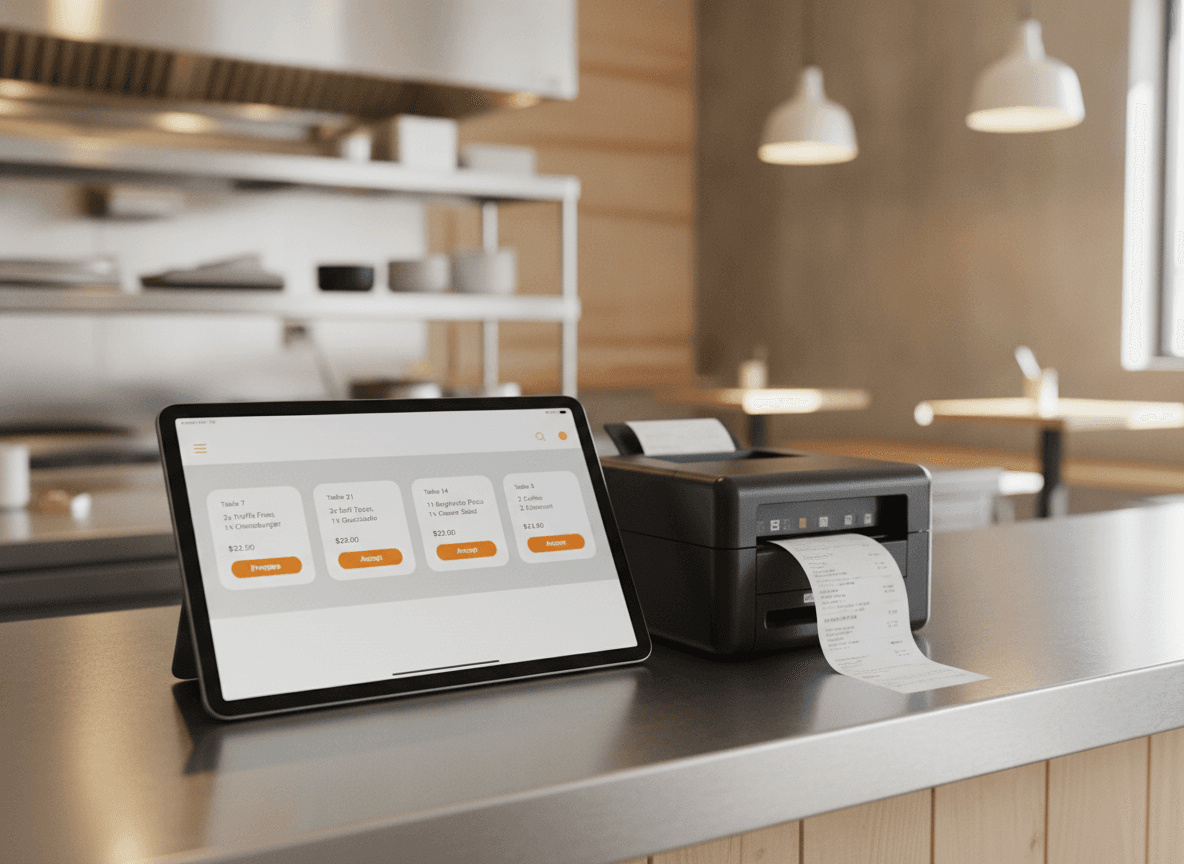
The second a guest hits send, the order lands on your screen, prints in the kitchen, and pings every device you've got. Your cook is already on it while a server would still be walking back to the pass.
- Auto-prints to the kitchen on every order
- Live order screen on tablet, phone or laptop
- Sound and visual alerts wherever you need them
Guest scans the QR at the table.
Menu loads in the browser. Items go in the cart.
Order placed and paid. Ticket prints in the kitchen.
Your cook is already firing the first item.
Bigger tickets, without trying.
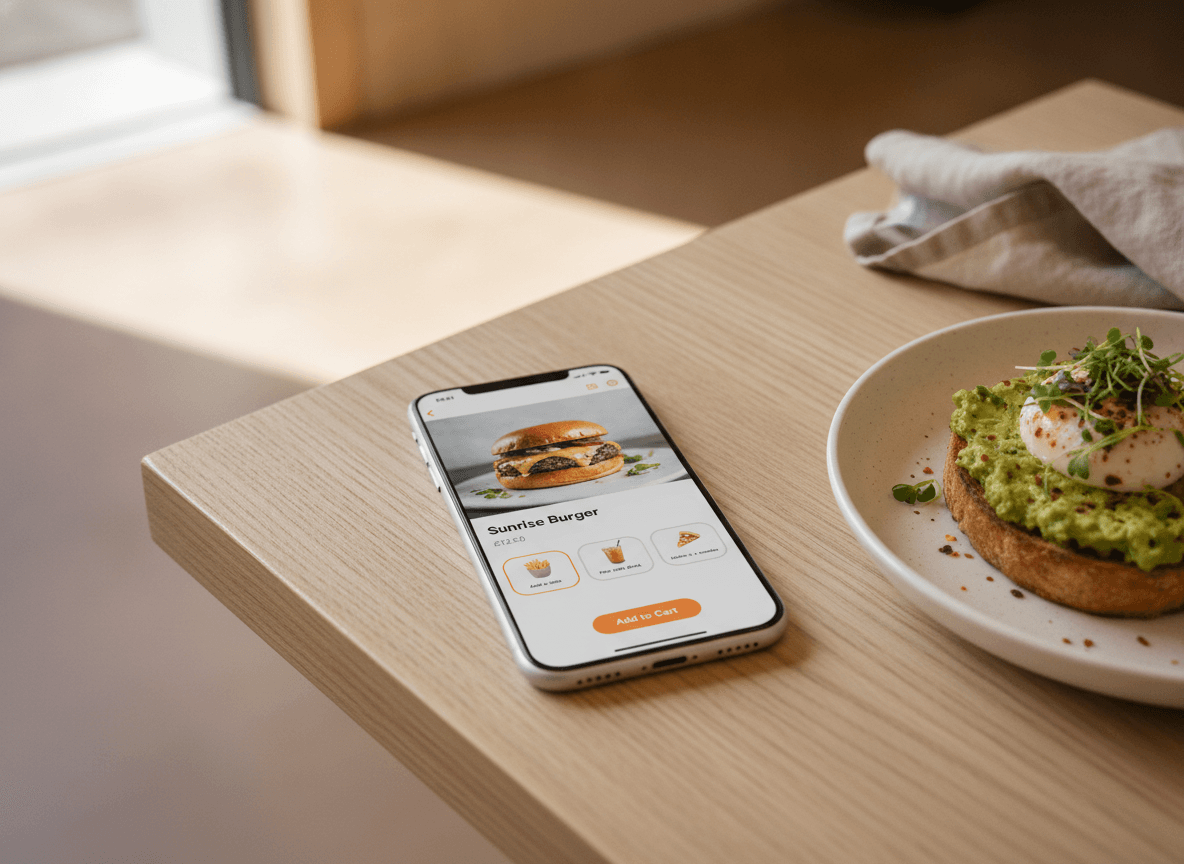
Your menu lives in software now, not on laminated paper. So when someone adds a burger, QwikEat quietly suggests fries and a drink. Restaurants here see average tickets land about 20% higher than they did on paper.
- Smart upsells, one tap to accept
- Drink and dessert pairings that actually fit
- Combos that come out cheaper than single items
Your brand. Your domain. Your QR.
The marketplaces put their brand on your food. We don't. Pick your colours, drop in your logo, point your own domain at it. Guests stay inside your restaurant from the first scan all the way to the receipt.
- Your colours, your fonts, your logo
- Plug in your own domain in a few clicks
- Menu auto-translated into 5 languages
What's included
What's in the box
- Unlimited QR codesOne per table, one for the counter, one for flyers. Trackable per code.
- Custom brandingLogo, colours, typography. The page reads like your restaurant.
- Five languagesEN, FR, ES, IT, DE. Auto-translated from the source menu.
- Tap-to-pay built inVisa, Mastercard, Apple Pay, Google Pay. Stripe-grade, zero setup.
- Instant alertsSound and visual notifications on every connected device.
- Live analyticsWhich items sell, which tables turn, which hours peak.
- Realtime menu editsSold out? Toggle off. The change reaches every guest instantly.
- Group orderingMultiple phones per table, one consolidated ticket.
- AI menu builderPhotograph your existing menu. QwikEat builds the digital version.
Getting started
Three steps. One afternoon.
- 01
Build your menu
Snap a photo of your current menu or just type it in. The AI sorts the categories, drafts the descriptions, and translates everything into 5 languages while you grab a coffee.
- 02
Print your QR codes
Download branded QR codes from your dashboard. Included, unlimited, with your logo on them if you want.
- 03
Take your first orders
Guests scan, order, pay. Orders land on your dashboard and print in the kitchen. Zero commission on every order.
Bank-grade encryption on every transaction. Money lands in your account, not a marketplace's.


Frequently asked questions
Do my guests need to download an app to use QR ordering?
How fast does an order reach my kitchen after a guest scans?
Can I print custom QR codes for every table?
Will QR ordering work alongside my existing POS or printer?
What payment methods do you support?
Can guests use the QR just to pay, without ordering at the table?
Does QR ordering also work for takeaway and delivery?
How is QR ordering priced?
Keep the whole ticket.
Every plan starts with a 30-day free trial, no commission. Print your first QR code in about ten minutes and see how it feels to keep the whole ticket.