
Products/Owner App
Your whole restaurant. In your pocket.
Live orders, menu edits, staff schedules, today's numbers. The owner app does what the back-office laptop does, except it's in your pocket while you're picking up your kid from school.
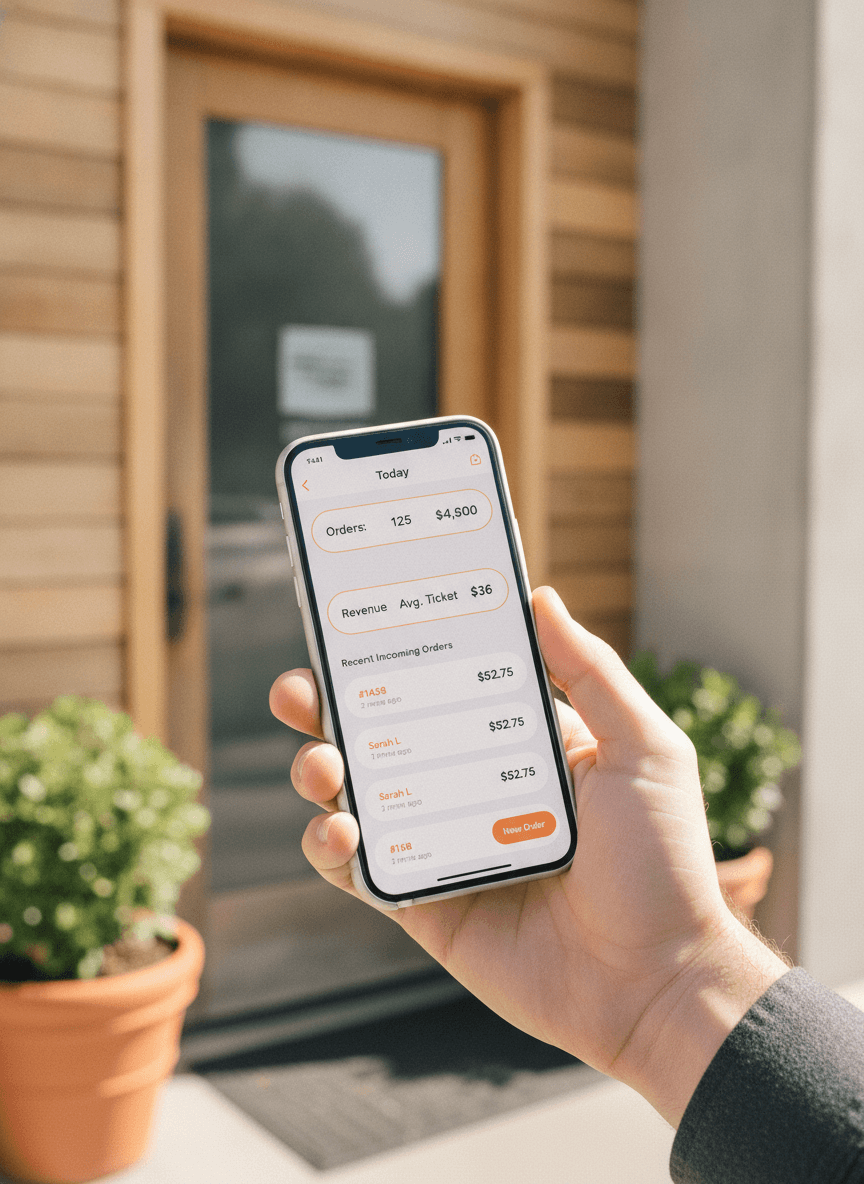
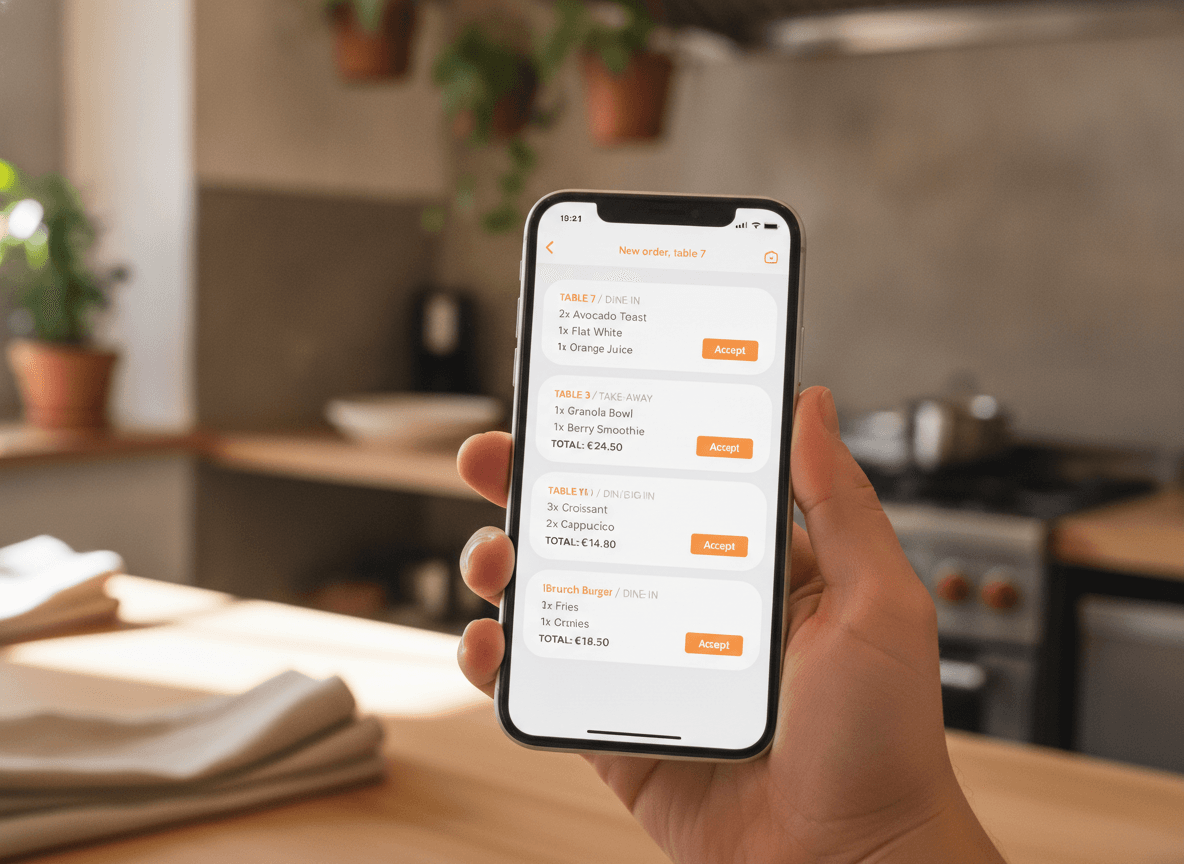
Every order, the second it comes in.
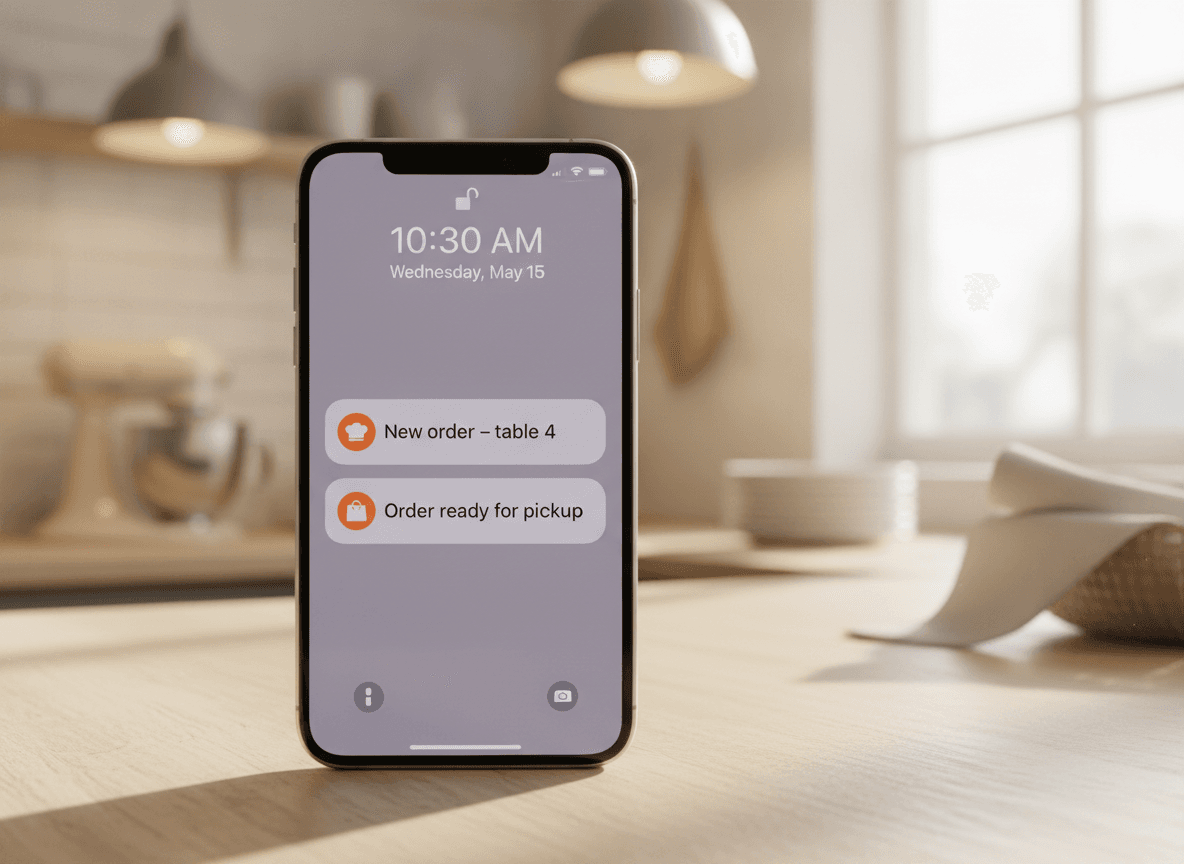
Push notification, sound, vibration. New order at table 7. Pickup in 20 minutes. Delivery cancelled. You see it the moment it happens, whether you're in the kitchen, on the floor, or at the doctor's.
- Push notifications for every channel
- Tap to accept, mark ready, or call the guest
- Works on iPhone and Android
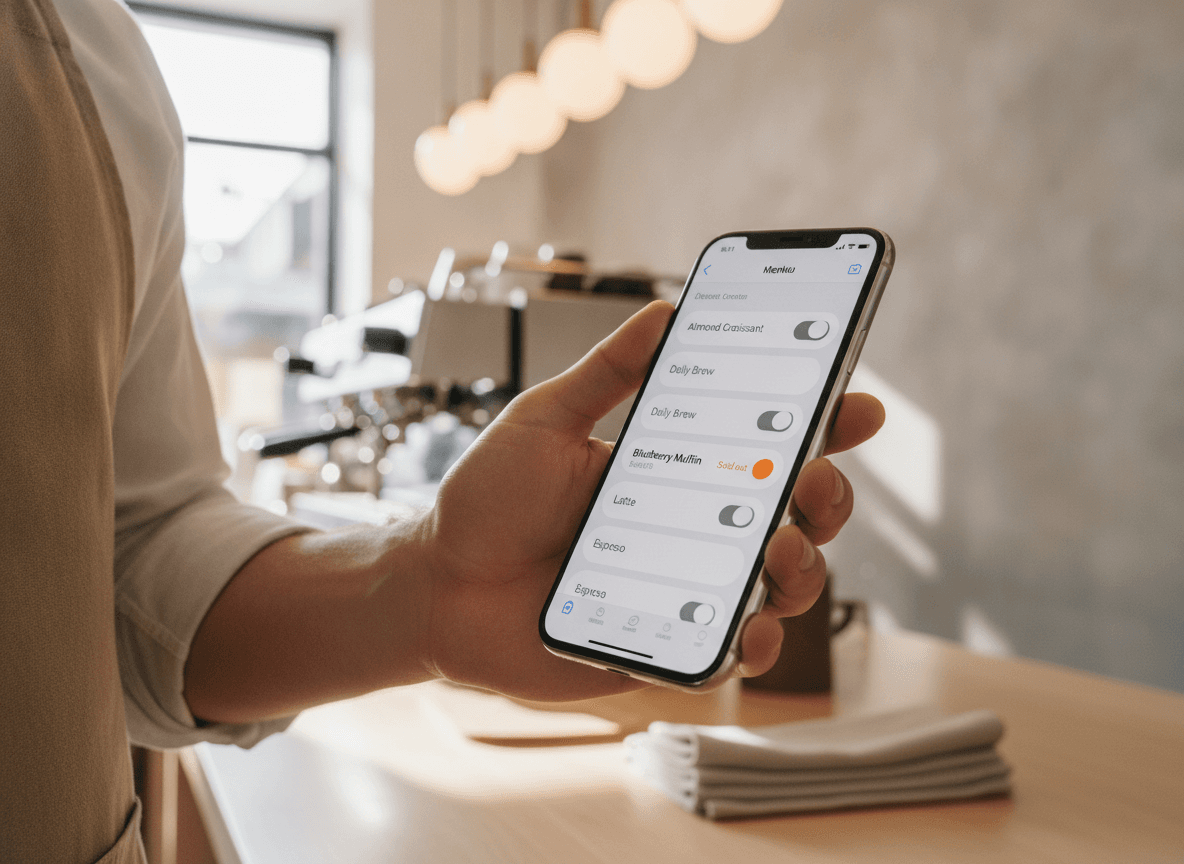
Mark something sold out without leaving the line.
It's 8:30 PM and you're down to the last burger. Pull out your phone, tap the toggle. The item disappears from your menu instantly. No guest orders one and is then told no. No call back to the office. No paper note on the till.
- Toggle items sold out from your phone
- Change prices on the fly
- Edits propagate everywhere instantly
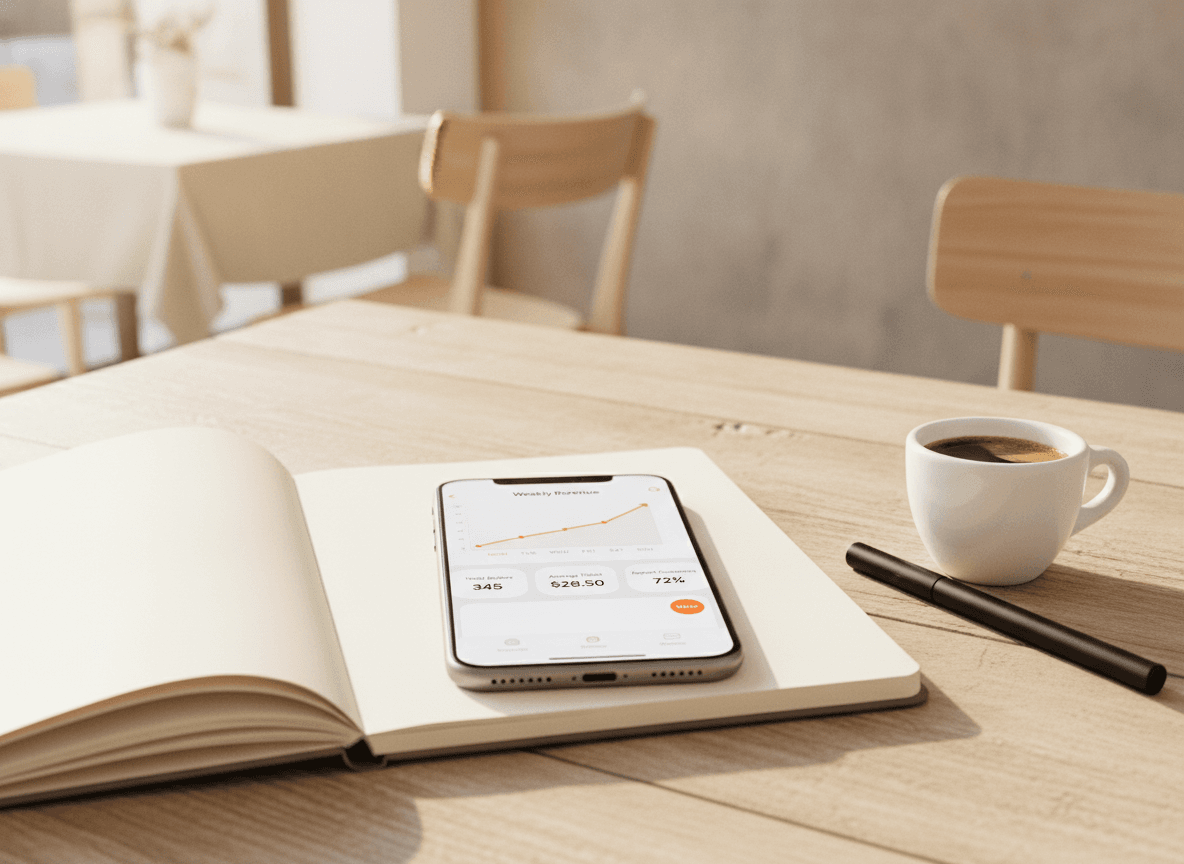
Today's numbers, while you're commuting home.
Revenue, orders, average ticket, repeat customers. The number that tells you whether today was good. The chart that tells you whether this week was. Open the app at a red light, and you know.
- Today, this week, this month at a glance
- Friendly charts, not spreadsheet exports
- Drill into peak hours and best-selling items
Manage staff without a spreadsheet.
Add a server, schedule their shift, see who's clocked in. Approve a swap from your phone while you're picking up groceries. Per-shift sales and tips show up automatically, so payroll is one tap away.
- Add staff, schedule shifts, approve swaps
- Per-shift tips and sales auto-tracked
- Push messages to the team from your phone
What's included
What's in the box
- Push notificationsSound, vibration, badge. Every new order.
- Live ordersAccept, mark ready, call the guest, refund.
- Menu editsSold out, price, hours, all from your phone.
- Today's numbersRevenue, orders, average ticket, repeat customers.
- Staff & shiftsAdd, schedule, swap, tip splits.
- Guest messagesReply to a guest's question in two taps.
- Quick brandingUpdate banners, hero image, theme colours.
- PayoutsSee what's owed to you and when it arrives.
- iOS & AndroidNative apps, not a wrapped web page.
Getting started
Three minutes to your first order on the phone.
- 01
Download the app
QwikEat for owners on the App Store and Google Play. Sign in with your existing QwikEat account.
- 02
Turn on notifications
One tap. Get notified on every new order, message, or refund. Choose which ones make sound.
- 03
Run your restaurant
Take an order, mark it ready, edit your menu. The dashboard and the app stay in sync the whole time.
Bank-grade encryption on every transaction. Money lands in your account, not a marketplace's.


Frequently asked questions
Is it a real native app or a wrapped website?
Do I need anything besides the app?
Can multiple people use the owner app for the same restaurant?
Does it work for multi-location?
Will it drain my battery?
Can I reply to a guest from the app?
What if I lose my phone?
How much does the app cost?
Run your restaurant from the bus stop.
Included with QwikEat. iOS and Android. Push notifications for everything that matters.