
Products/WhatsApp Ordering
Orders in the chat they already use.
Your regulars already message you on WhatsApp. Now those messages turn into real orders. Auto-replies, payment links, kitchen tickets. All inside the same conversation.
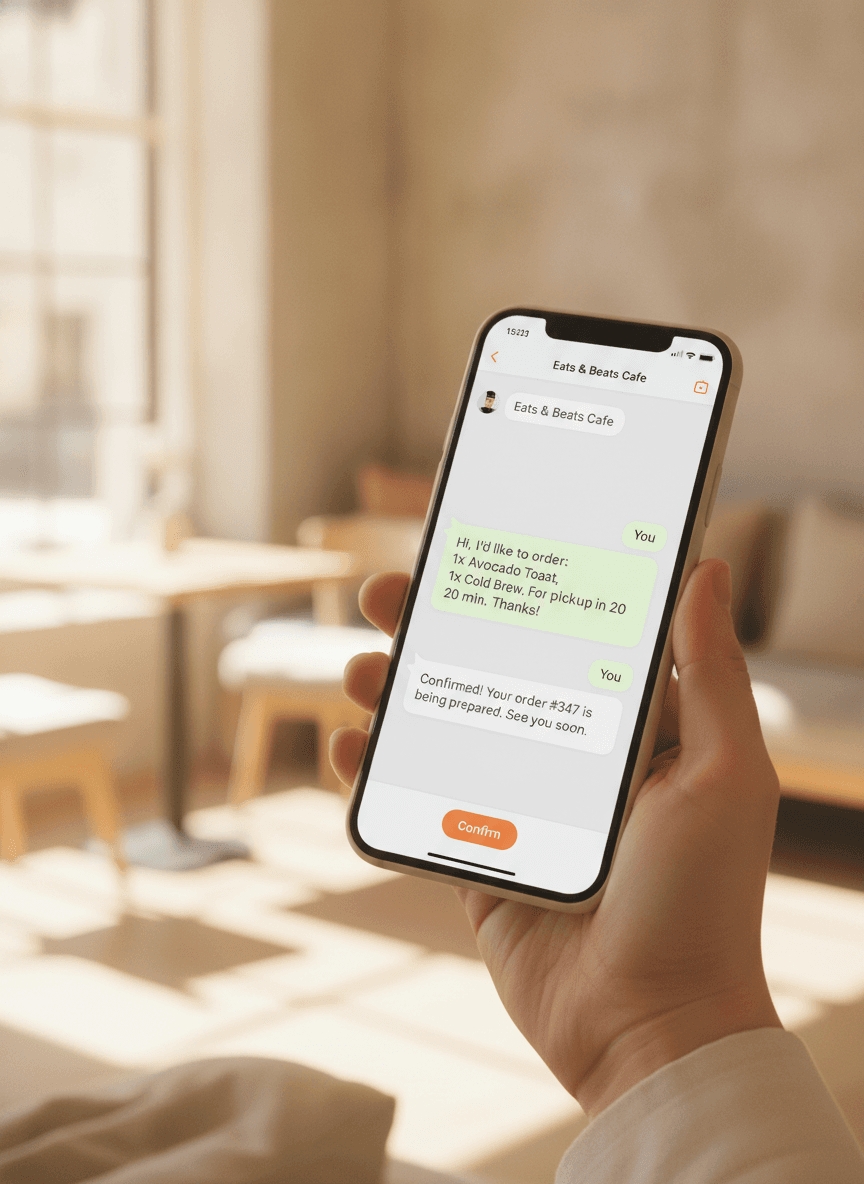
Orders that come in like text messages.
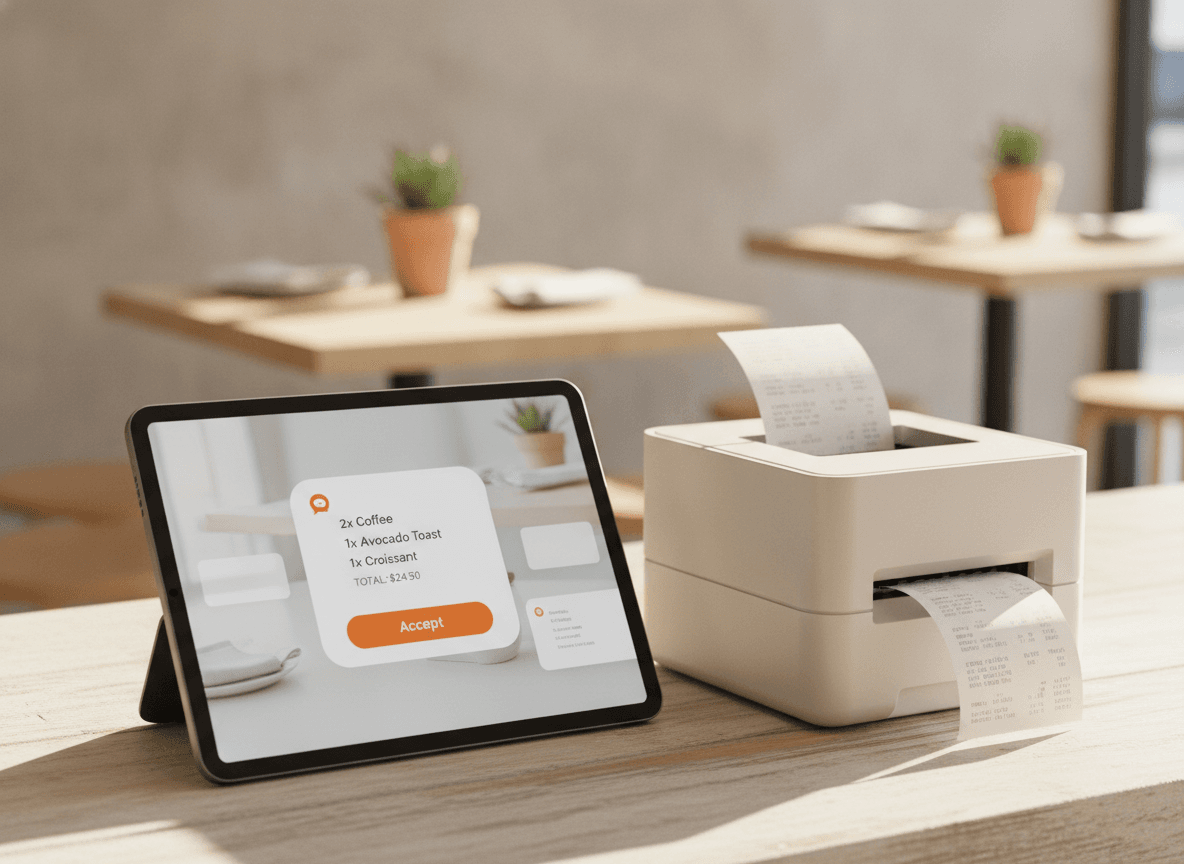
A regular sends 'usual please'. The auto-reply confirms the order, the menu link is sent in case anything changes, the ticket prints in the kitchen. The conversation feels human, the workflow is automated.
- Works inside the WhatsApp the guest already has
- Auto-reply confirms in seconds
- Order lands on your dashboard like any other
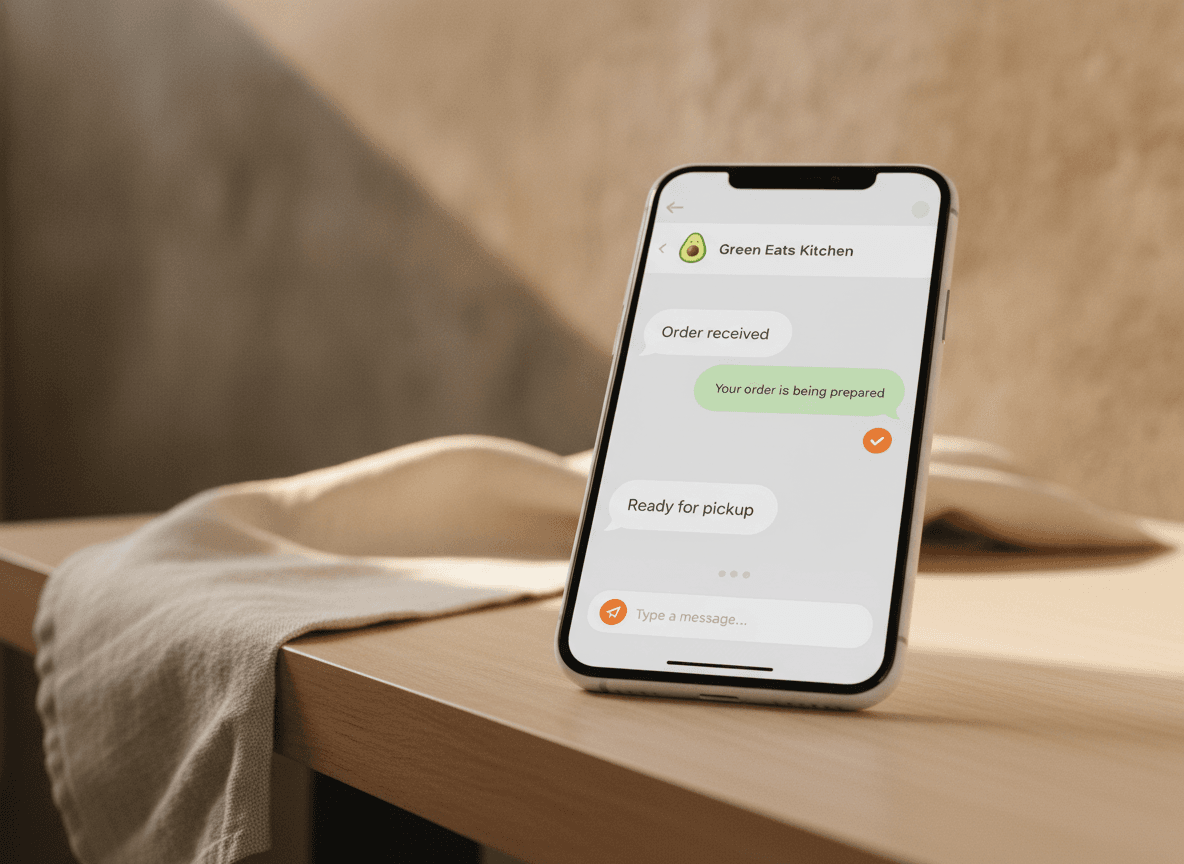
Auto-replies that don't sound like a bot.
'Order received.' 'Ready in 12 minutes.' 'Out for delivery.' 'Hope you enjoy it.' Friendly, on-brand, automatic. You can edit each one. Your guests hear from you faster than your competitors hear back at all.
- Edit every auto-reply in your dashboard
- Multi-language replies
- Quick replies for FAQs in two taps
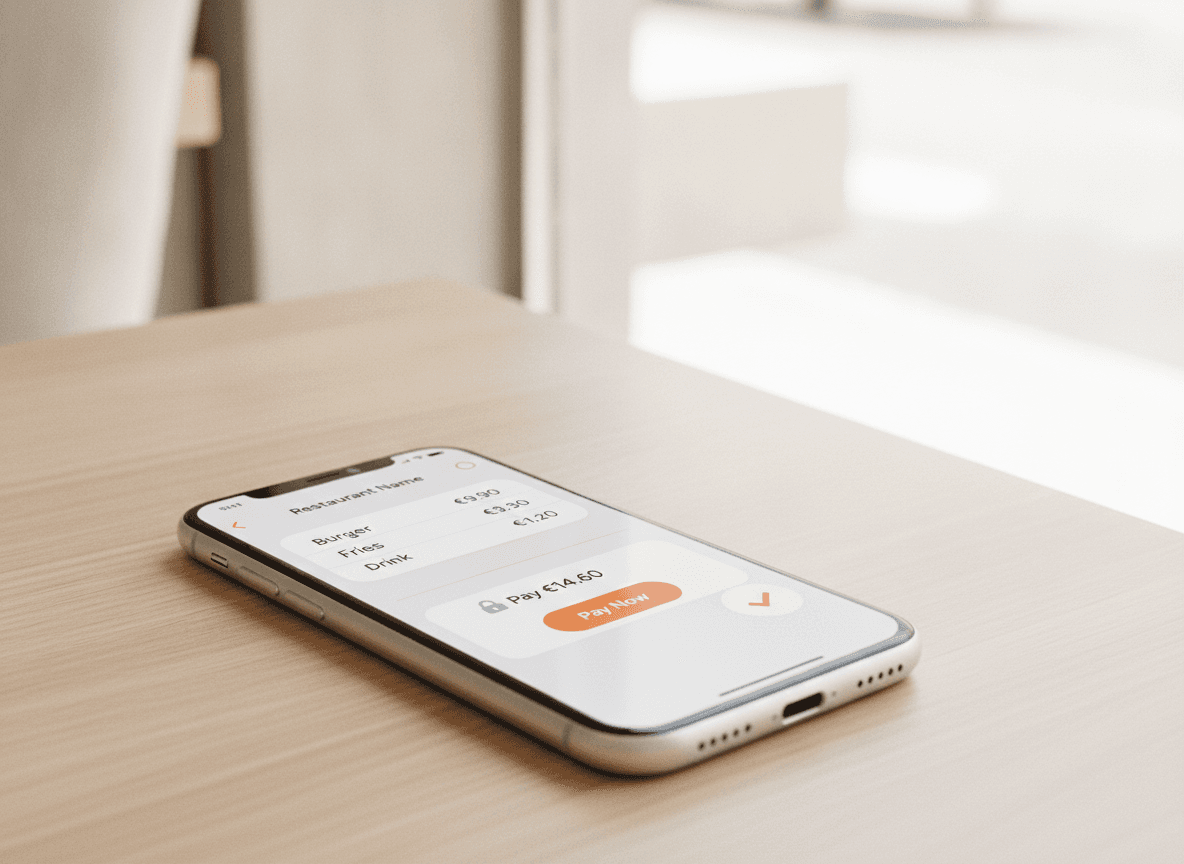
A payment link, right in the chat.
Restaurant sends a small payment card in the conversation. Guest taps. Pays with Apple Pay, Google Pay or card. No back-and-forth bank transfer, no calling them for a card number. Money in your account before they've finished their drink.
- Payment card sent inside the chat
- Apple Pay, Google Pay, card
- Status updates back to the conversation automatically
Make every regular more regular.
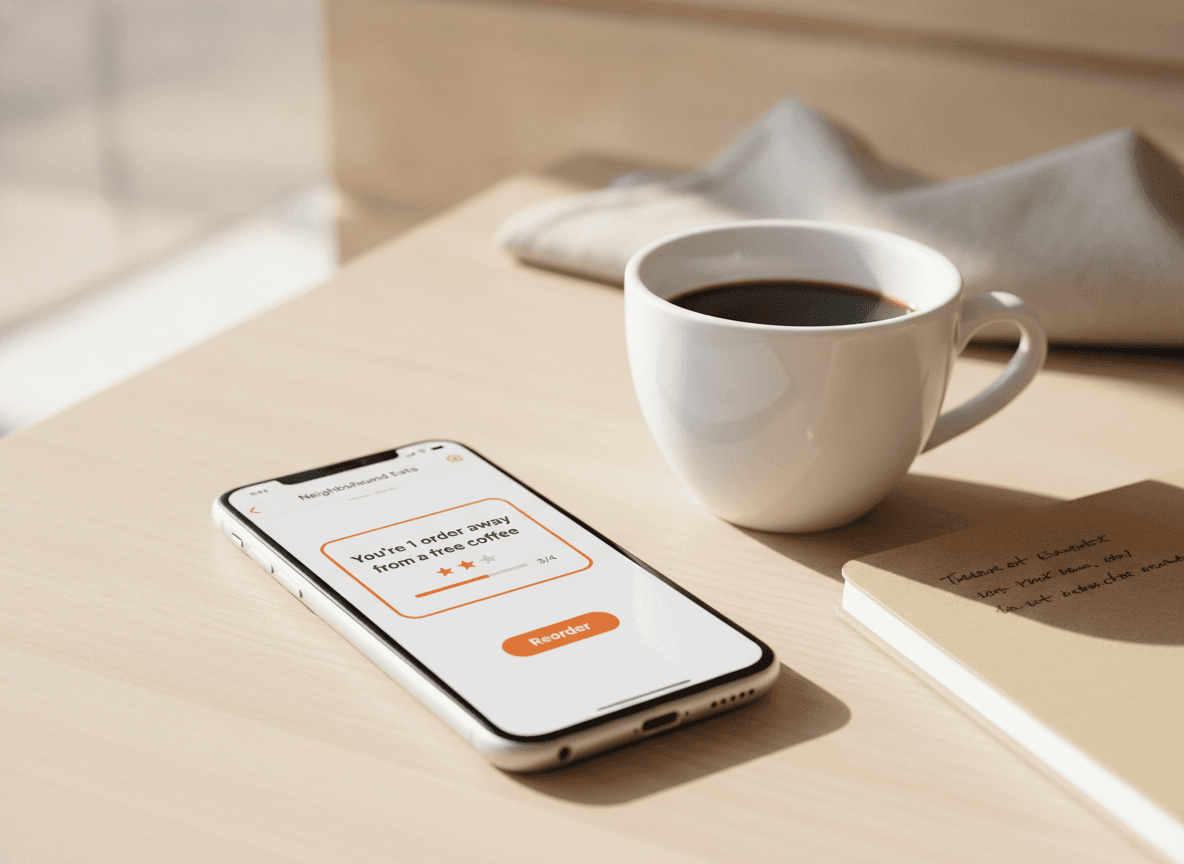
After three orders, the chat says 'You're one order away from a free coffee.' Birthday next week? A small treat shows up. The relationship lives in the conversation, not buried in a marketing email no one opens.
- Loyalty messages in the same chat
- Birthday treats automatic
- Re-orders take one tap
What's included
What's in the box
- Live WhatsApp inboxAll guest chats, in one shared dashboard.
- Auto-repliesConfirmations, status updates, hours, FAQs.
- Payment links in chatPay inside the conversation, no redirects.
- Multi-languageReplies in 5 languages, picks the guest's automatically.
- Team inboxMultiple staff can reply from a shared queue.
- AI-suggested repliesOne-tap responses based on the conversation.
- Loyalty in chatStamps, birthday rewards, free-item nudges.
- Same dashboardWhatsApp orders sit next to QR, takeaway, delivery.
- Privacy-respectingNumbers stay yours; we don't sell anything.
Getting started
Link your WhatsApp in about ten minutes.
- 01
Connect your number
Use your existing restaurant WhatsApp number, or get a new one from inside QwikEat. The setup wizard handles verification.
- 02
Pick your auto-replies
Choose from our friendly templates or write your own. Replies live in your dashboard, not in your phone.
- 03
Tell your regulars
Put the WhatsApp button on your menu, your QR codes, your Instagram bio. The next message they send becomes the first order.
Bank-grade encryption on every transaction. Money lands in your account, not a marketplace's.


Frequently asked questions
Do my customers need to install anything?
Can I keep using my existing WhatsApp number?
Can multiple staff reply from the same number?
What about WhatsApp Business app — do I still need it?
Are the auto-replies any good?
Does WhatsApp charge me to use this?
Can guests pay inside the chat?
How much does it cost?
Your guests are already in the chat. Be ready when they message.
Auto-replies, payment links, kitchen tickets. All inside WhatsApp, all set up in about ten minutes.