
Products/Digital Menu
An ordering website that's actually yours.
Your colours, your logo, your domain. A real restaurant website with a real menu that takes real orders, not a marketplace tile with your food on it.
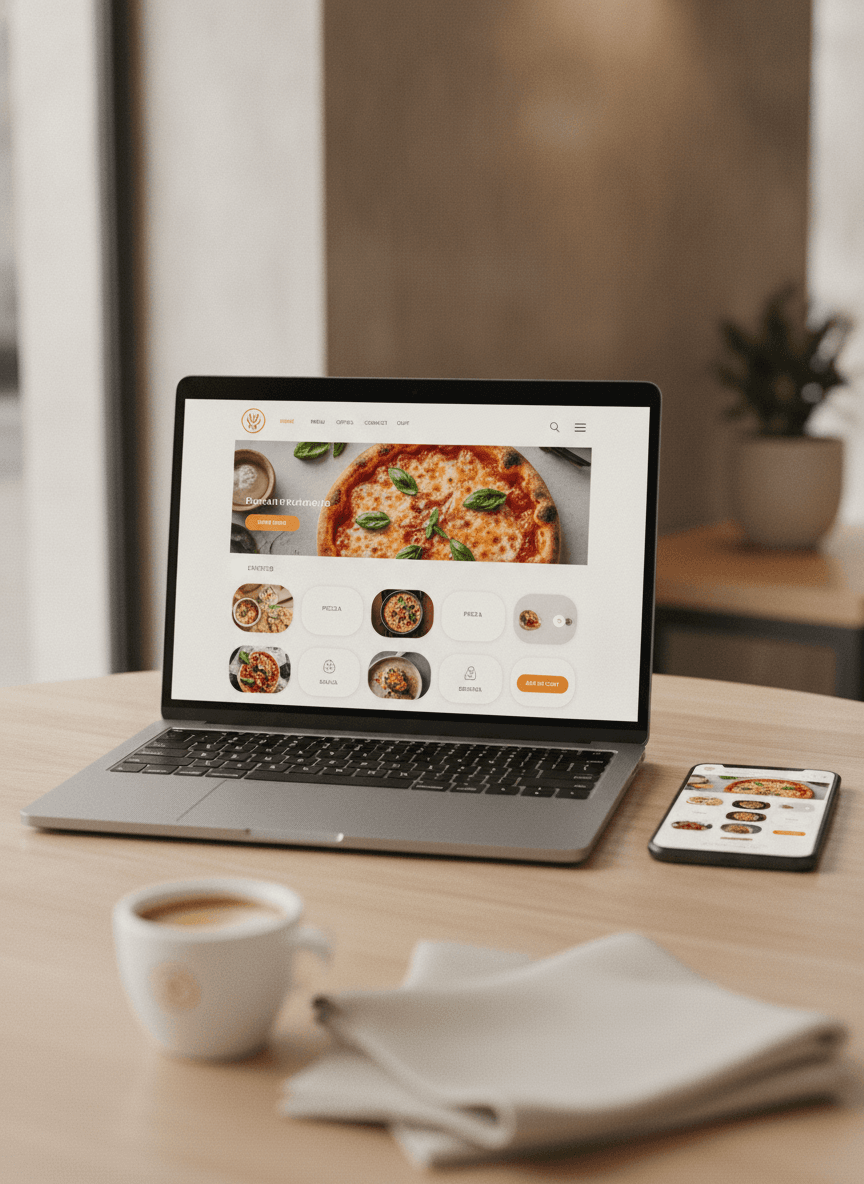
Snap a photo of your menu. Done.
Most restaurants have a perfectly good menu already, on paper or on a Word doc. Send us a photo or paste the text. The AI sorts the categories, writes friendly descriptions, prices everything, and gets out of the way.
- Photo-to-menu in about 10 minutes
- AI writes descriptions you'd actually use
- Edit anything, anytime, no developer needed
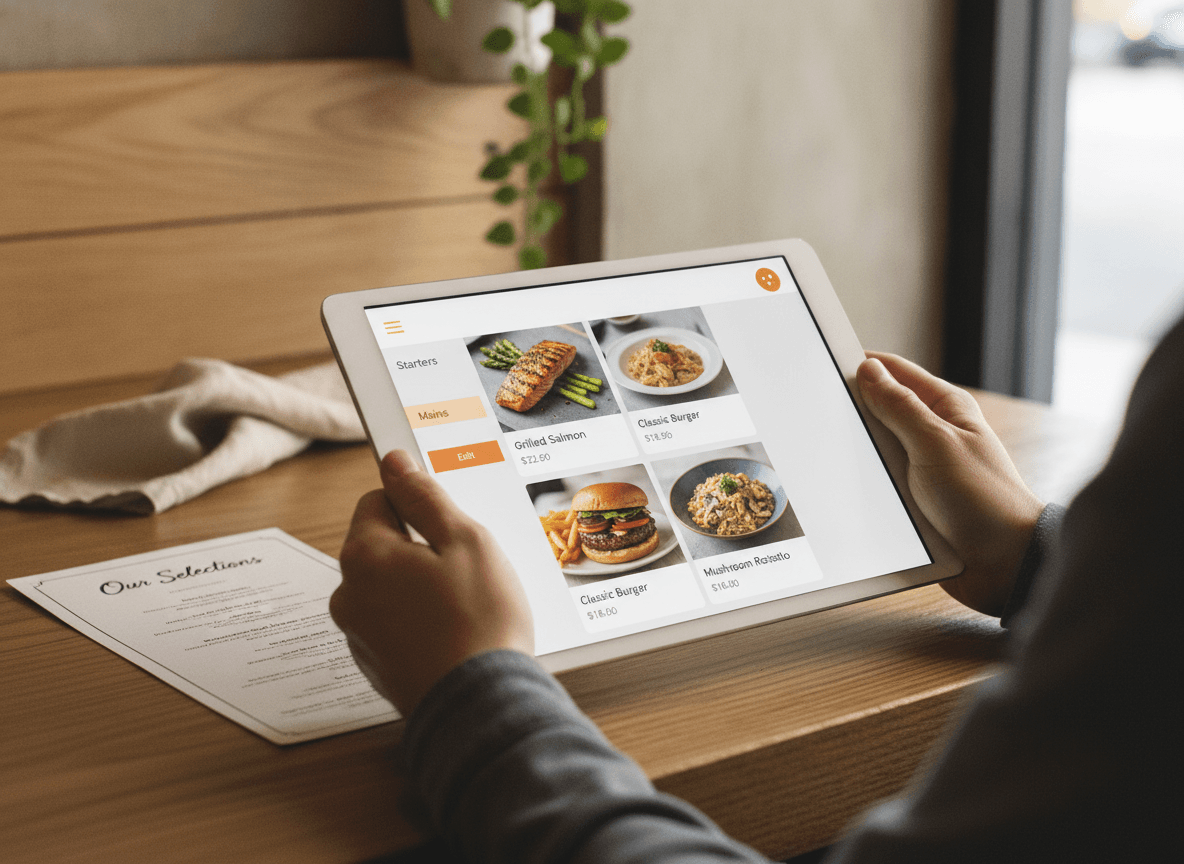
Plug in your own domain.
Most restaurants would rather their guests order from order.theirname.com than from qwikeat.co/somerestaurant. So we let you. Point your domain at QwikEat in a few clicks. We handle SSL, hosting and uptime.
- Custom domain in a few clicks
- SSL included, no IT involved
- We host it. You own it.
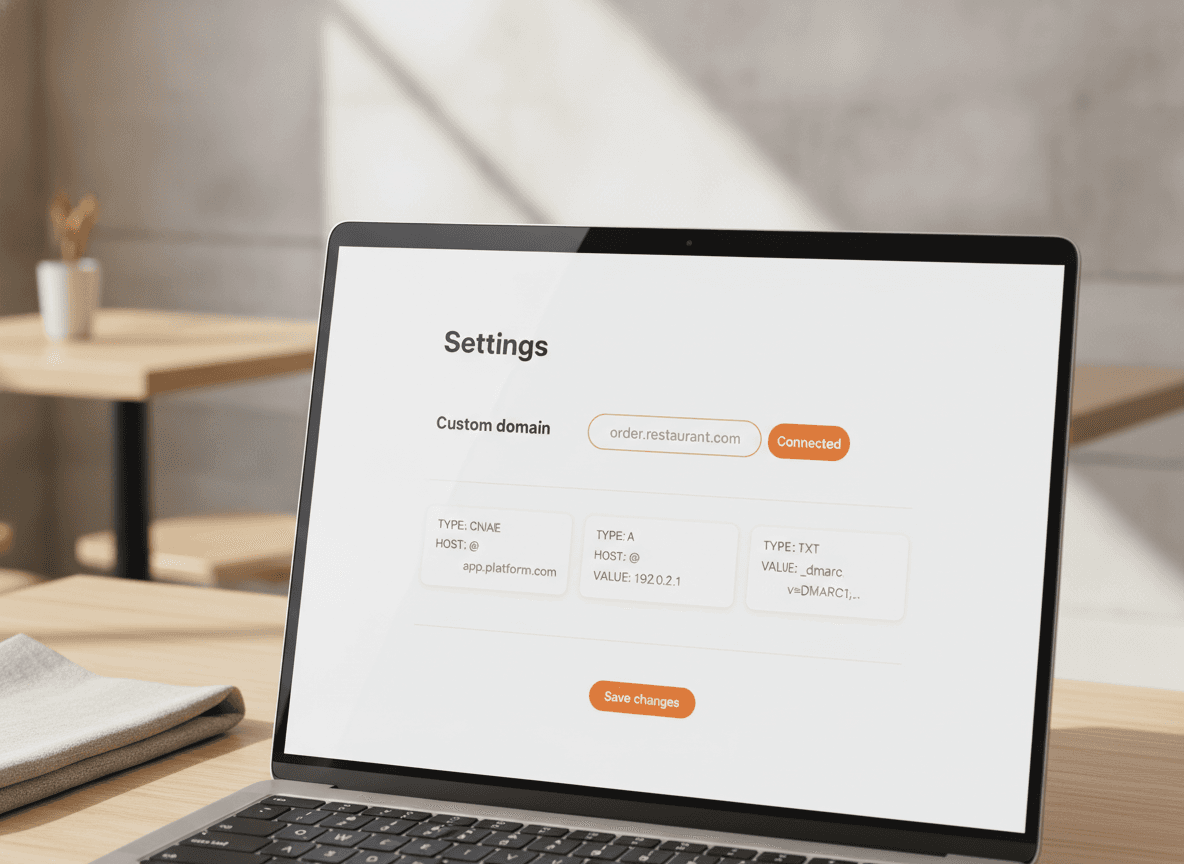
One menu, five languages.
Tourists, residents, anyone passing through — they all order more when they can actually read the menu. Build it once in your language. We translate every dish, modifier and category into English, French, Spanish, Italian and German.
- EN, FR, ES, IT, DE auto-translated
- Edit one language, the others update too
- Guest picks their language at the top
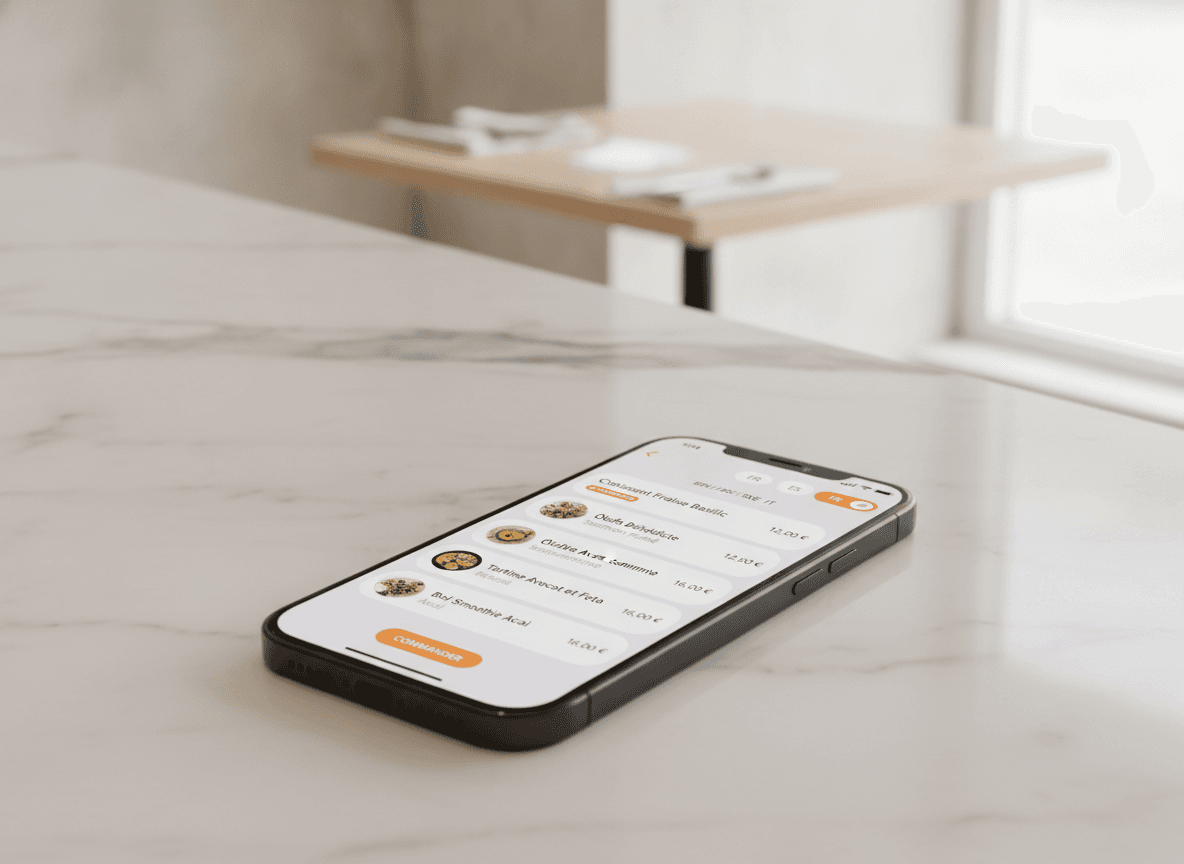
Looks right on every screen.
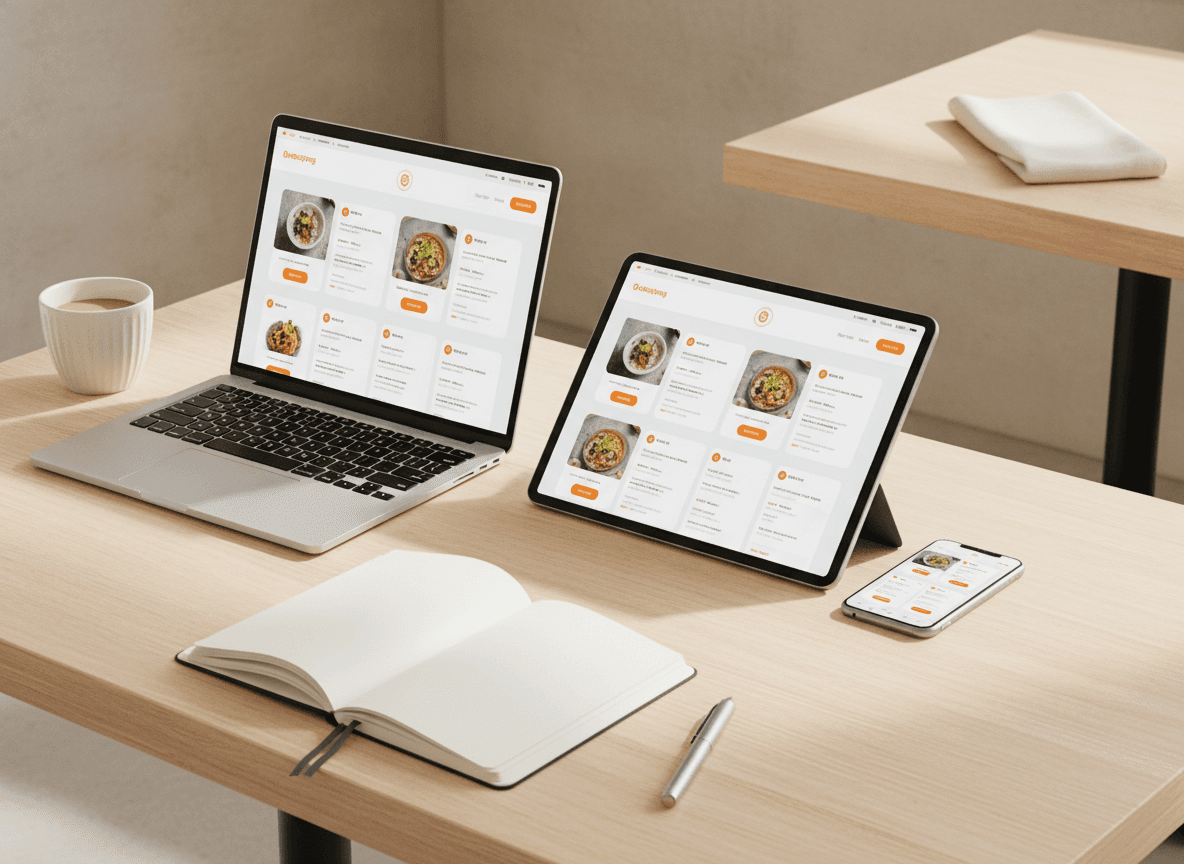
Half your guests order from a phone in the parking lot, half from a laptop on the couch. The same menu reflows for each one, with hero food photos, category tabs and a checkout that takes Apple Pay and Google Pay.
- Mobile-first, but laptop-perfect
- Hero food photos and clean category tabs
- Apple Pay and Google Pay at checkout
What's included
What's in the box
- Your own domainPlug in any domain you own. SSL is on by default.
- Custom brandingLogo, colours, typography. No QwikEat watermark.
- AI menu builderPhoto or text in, ready-to-publish menu out.
- Five languagesEN, FR, ES, IT, DE auto-translated, no copy-paste.
- Realtime editsToggle items, prices, hours. The site updates instantly.
- Mobile-perfectDesigned phone-first, looks great everywhere else.
- Built-in checkoutVisa, Mastercard, Apple Pay, Google Pay. No setup.
- Live analyticsMost-viewed items, drop-off points, peak hours.
- Multiple locationsRun several restaurants from a single dashboard.
Getting started
Live on your own domain in an afternoon.
- 01
Send us your menu
A photo, a PDF, a Word doc, anything. The AI parses it, sorts categories, drafts descriptions and translates into 5 languages while you grab a coffee.
- 02
Make it look like you
Drop in your logo, pick your colours, point your domain at QwikEat. The site reflows on every screen automatically.
- 03
Take orders, keep the money
Orders land on your dashboard and print in the kitchen. Money goes to your bank account, not a platform's. 0% commission.
Bank-grade encryption on every transaction. Money lands in your account, not a marketplace's.


Frequently asked questions
Do I really get my own domain, or just a subdomain on yours?
Can I move my existing website to QwikEat?
What does the AI menu builder actually do?
Are the translations any good?
Will my menu look good on a phone?
Can I edit prices and items in real time?
Does QR ordering use the same menu?
How much does it cost?
Your restaurant deserves its own front door.
Not a tile in a marketplace, not a Linktree. A real ordering site on a real domain. Live in about an afternoon.