
Products/Tablet POS
A full point of sale, on an iPad you already own.
Forget the €3,000 cash register. QwikEat turns any iPad into a modern POS that handles orders, payments, tables, splits and kitchen printing without the hardware lock-in.
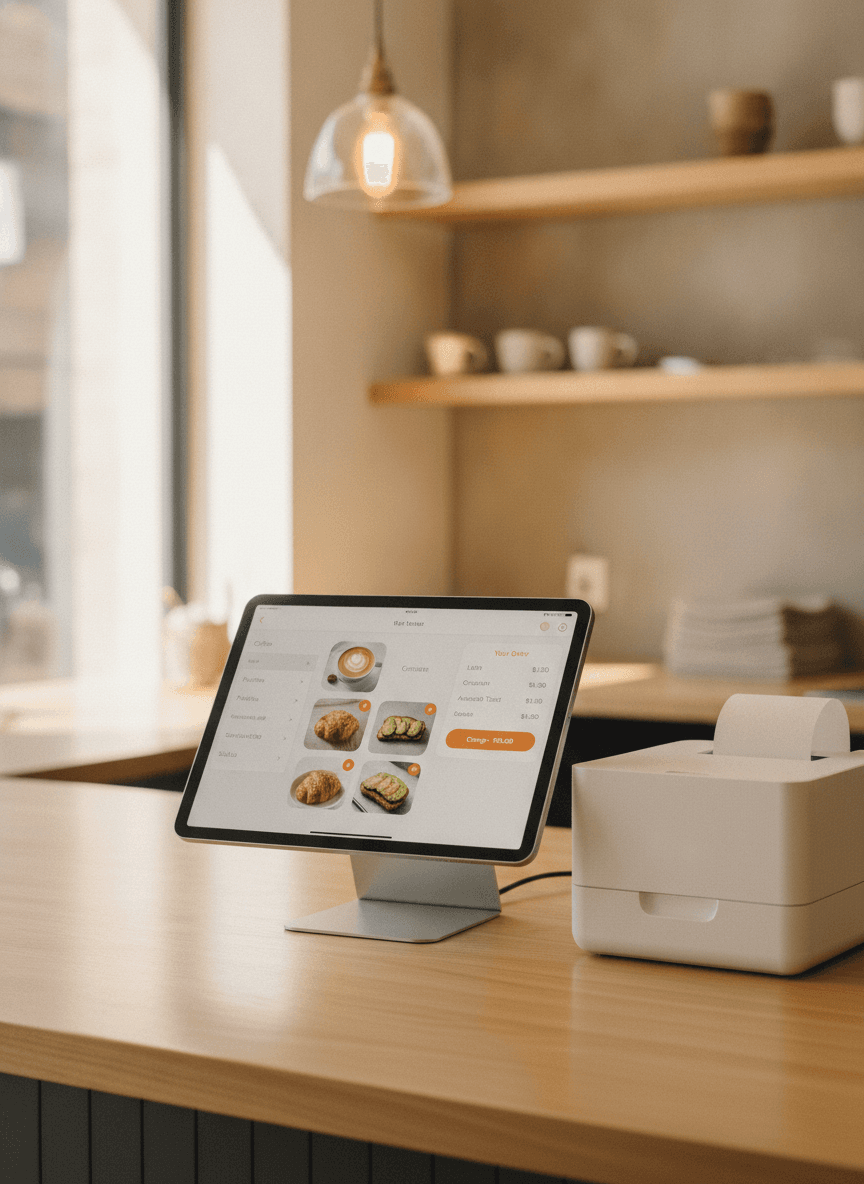
Take orders the way your team already thinks.
Categories on the left, dishes in the middle, the running order on the right. Add an item, change a modifier, fire a course, send to the kitchen. The screen is fast enough to keep up during a rush and quiet enough not to fight you when it's slow.
- Categories, items, modifiers, courses
- Send to kitchen, hold, fire later
- Quantity stepper on every item
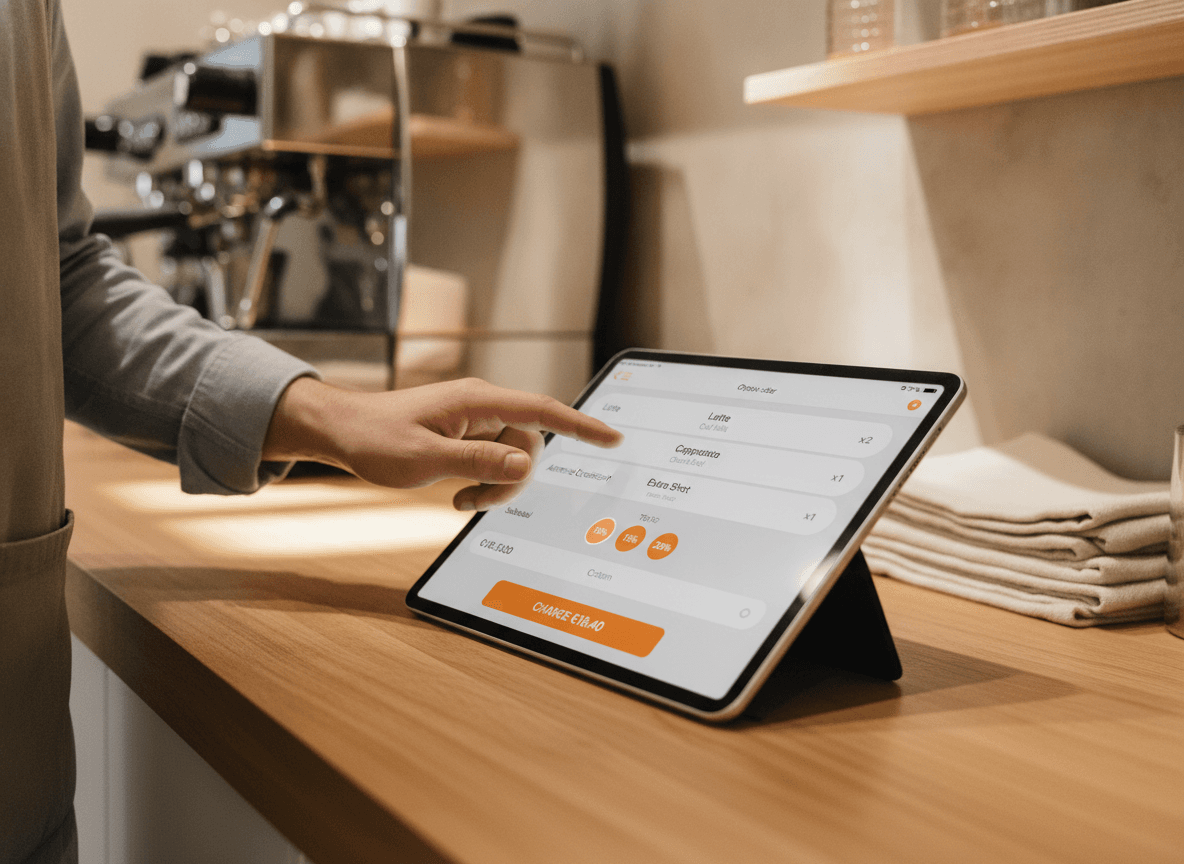
Pays for itself in months, not years.
Traditional restaurant POS systems run between €1,500 and €3,500 in hardware alone, then a monthly fee on top. QwikEat is a simple monthly plan with no hardware to buy, and runs on the iPad you already have in the back office.
- No proprietary hardware to buy
- Works on any iPad from the last 5 years
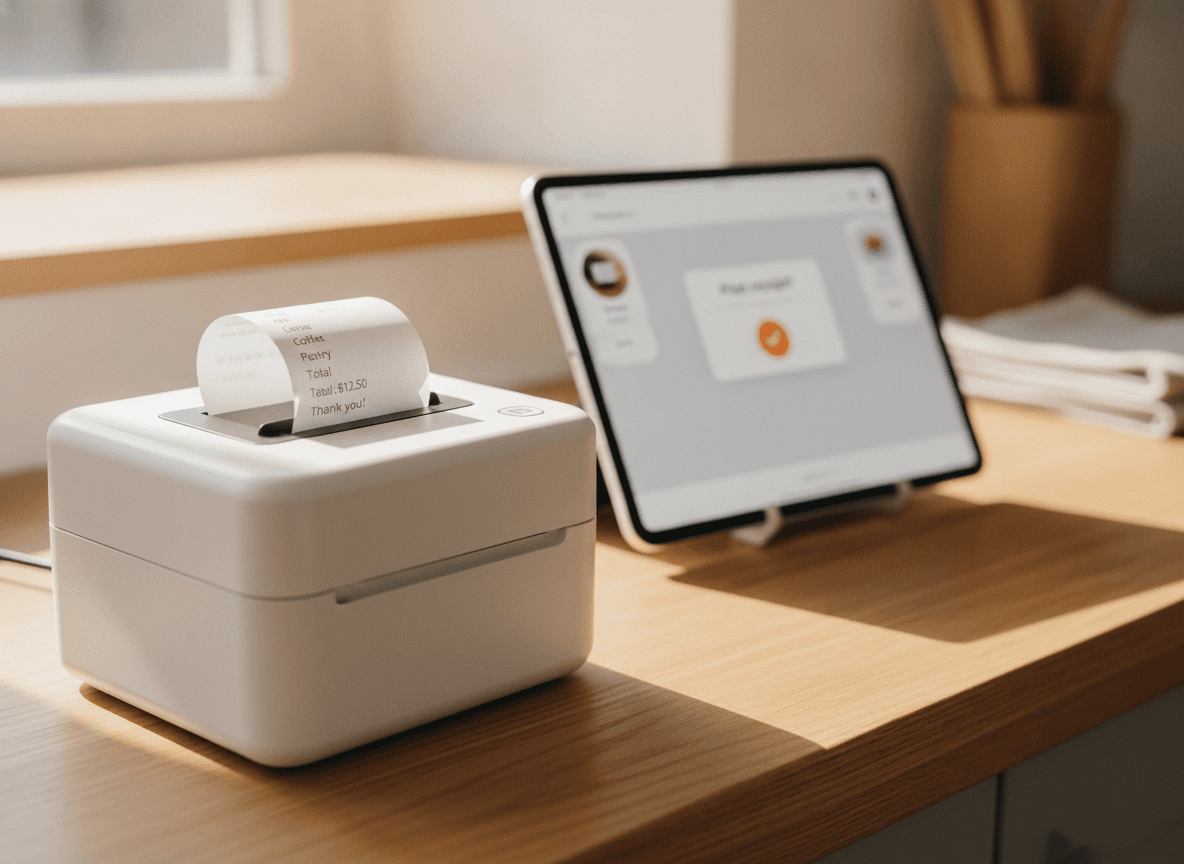
- Bring your own thermal printer (or buy one for €120)
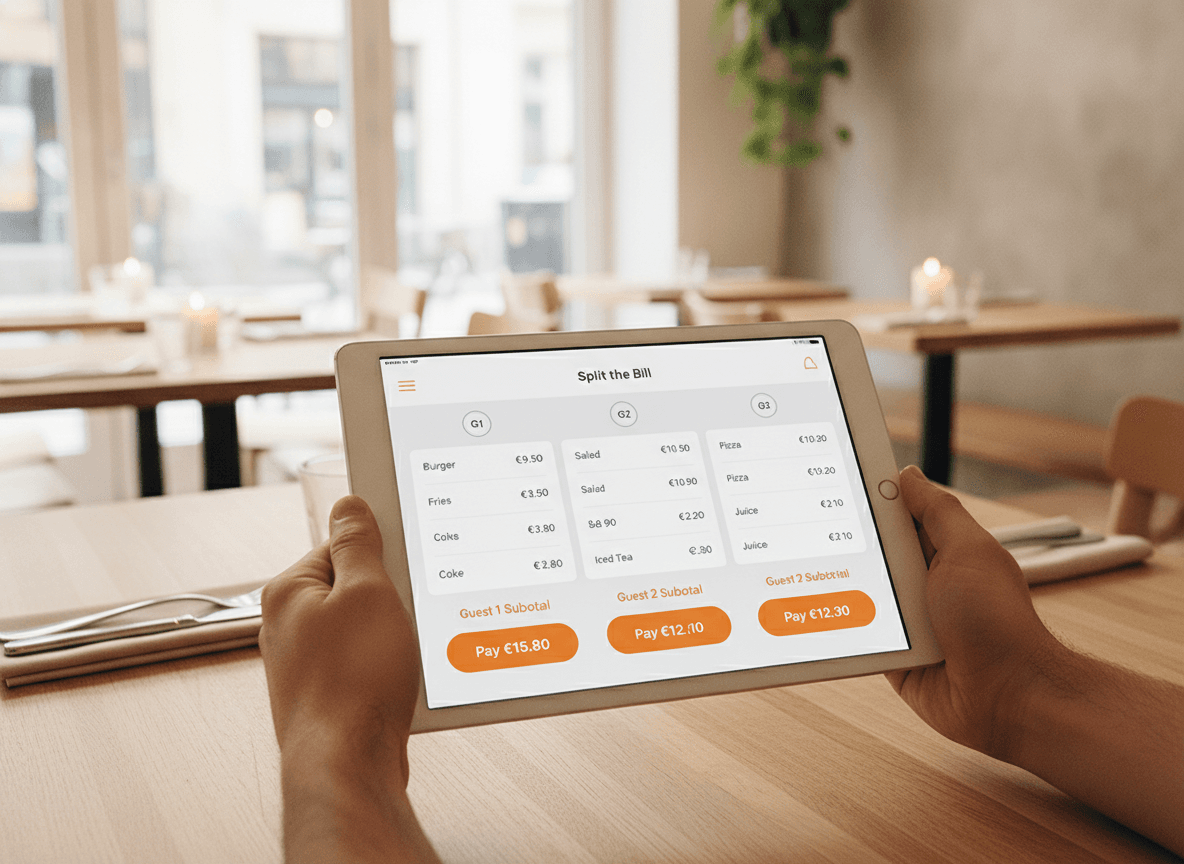
Splitting the bill, finally pleasant.
Three friends, one card-only one, one bank-transfer one, one who insists on paying for the wine. Split by item, by person, by share, by amount. Take separate payments. Everyone leaves happy and your server hasn't done arithmetic in their head.
- Split by item, person, share or amount
- Take card, Apple Pay and Google Pay per share
- Tip splits proportionally if you want
What's included
What's in the box
- Order panelCategories, items, modifiers, courses, holds.
- Card paymentsTap to pay on the iPad itself or with a card reader.
- Split billBy item, person, share or amount, with separate tips.
- Kitchen printingAuto-prints to your thermal printer per category.
- Shift managementClock in, clock out, staff per-shift sales totals.
- Day-end reportsSales, tips, VAT breakdown, exports for your accountant.
- Multi-locationRun all your sites from one login, one bill.
- Offline modeWi-Fi goes down? Keep taking orders and syncing later.
Getting started
Up and running before the dinner shift.
- 01
Install the app
Download QwikEat from the App Store onto any iPad you already have. Sign in with your QwikEat account.
- 02
Set up your menu and tables
Import your menu (or use the AI builder to start from a photo). Drag your tables into the shape of your floor.
- 03
Take your first order
Hand the iPad to a server, take an order, print to the kitchen, charge a card. No commitment, cancel anytime.
Bank-grade encryption on every transaction. Money lands in your account, not a marketplace's.


Frequently asked questions
What hardware do I need?
Can I keep my existing printer?
What happens if the Wi-Fi goes down?
Can I split the bill multiple ways?
Does it handle VAT / TVA correctly?
Can I run several restaurants from one POS?
What about my staff sales?
How much does it cost?
No commitment, no hardware: it replaces a €3,000 cash register.
Use the iPad you already have. Bring your own printer or buy one for €120. Live in an afternoon.