
Products/Tap to Pay
Your phone is now your card terminal.
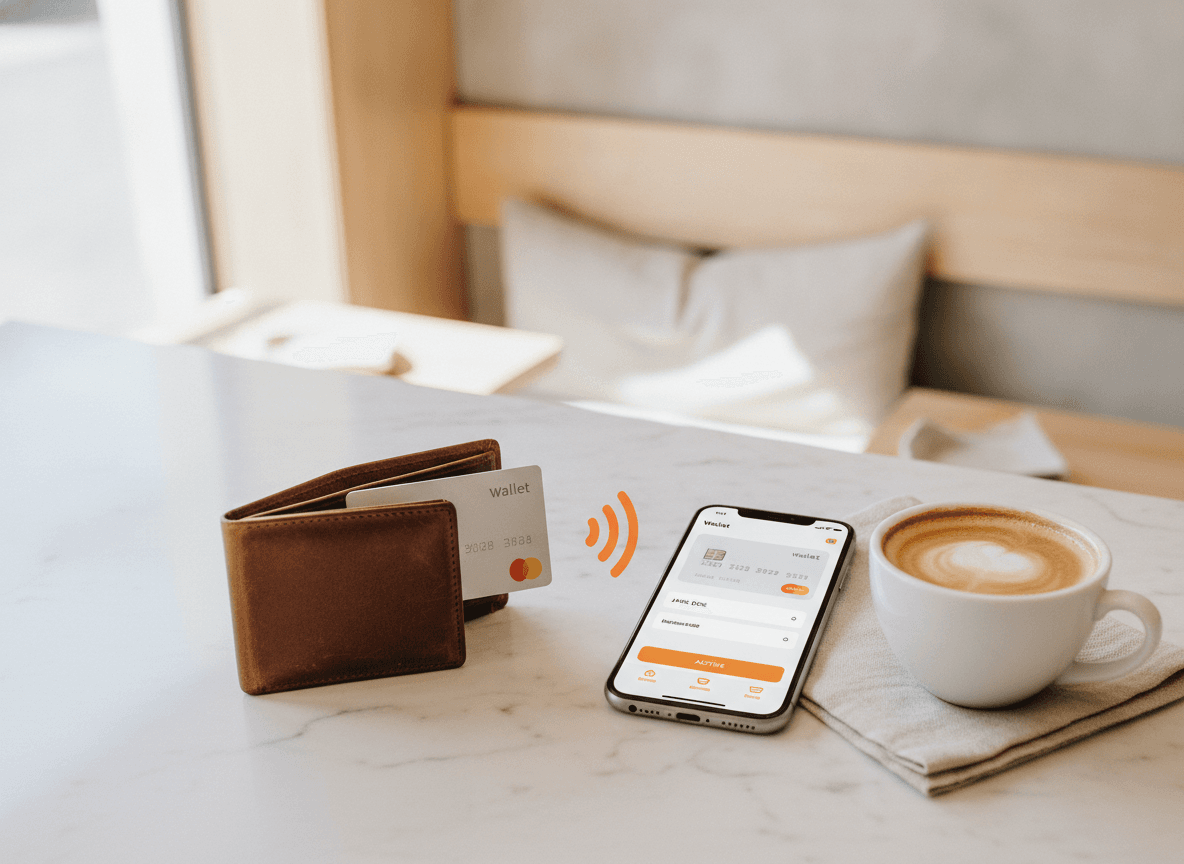
Visa. Mastercard. Apple Pay. Google Pay. All tapped to the back of the iPhone or iPad you already use. No card terminal to rent, no extra cables, no separate device.
No terminal. No cable. No setup.
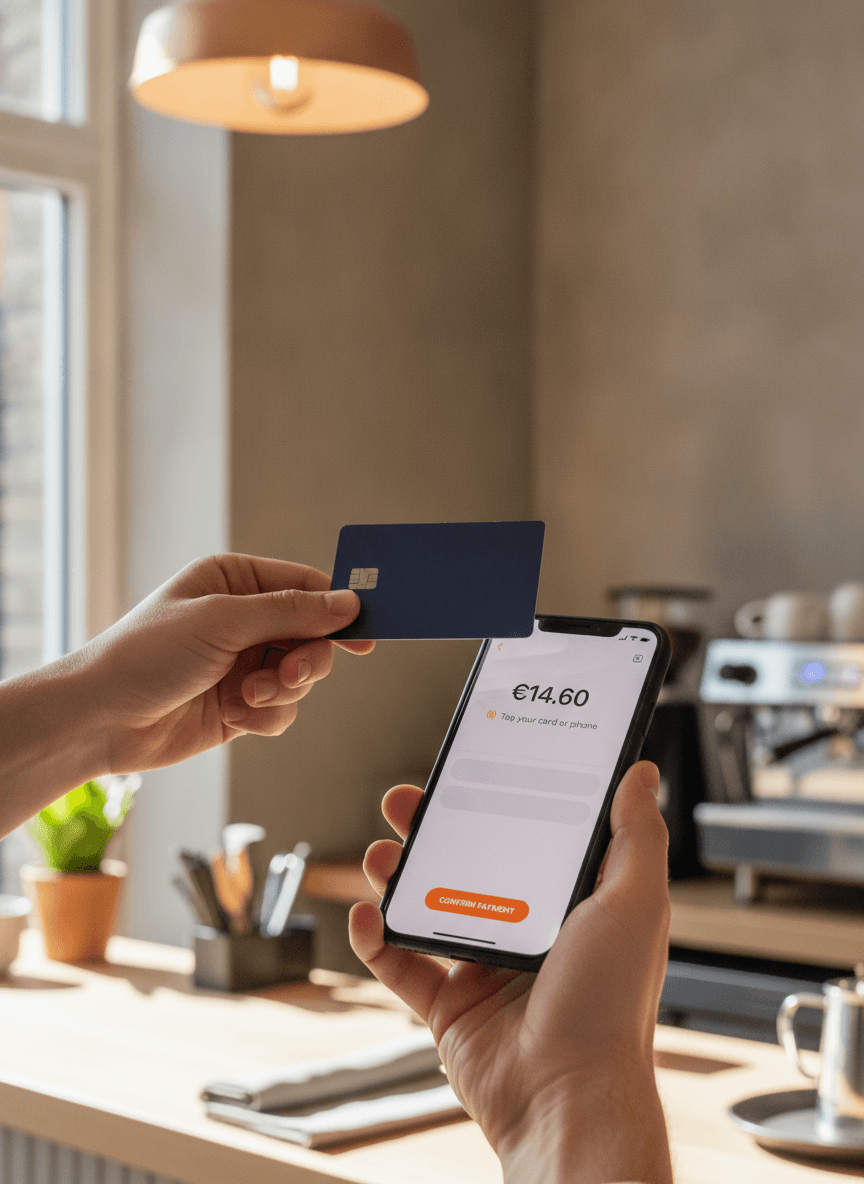
Card terminals cost €30 a month for the rental, €50 for delivery, and a fight with your acquirer to set up. Tap to Pay on iPhone uses the NFC reader that's already in the phone. Open QwikEat, type the amount, hand over the phone.
- Built into iPhone XS or newer, no extra hardware
- Works on iPad too (Apple Pay receives)
- Set up in the time it takes to read a coffee receipt
Every card your guests actually use.
Contactless cards, mobile wallets, watches, foreign cards. If it's contactless, QwikEat takes it. The phone shows the amount, the guest taps, the phone confirms. The whole thing takes under three seconds.
- Visa, Mastercard, American Express
- Apple Pay, Google Pay, Samsung Pay
- Foreign cards welcomed
Tipping that lifts the average, not the eyebrow.
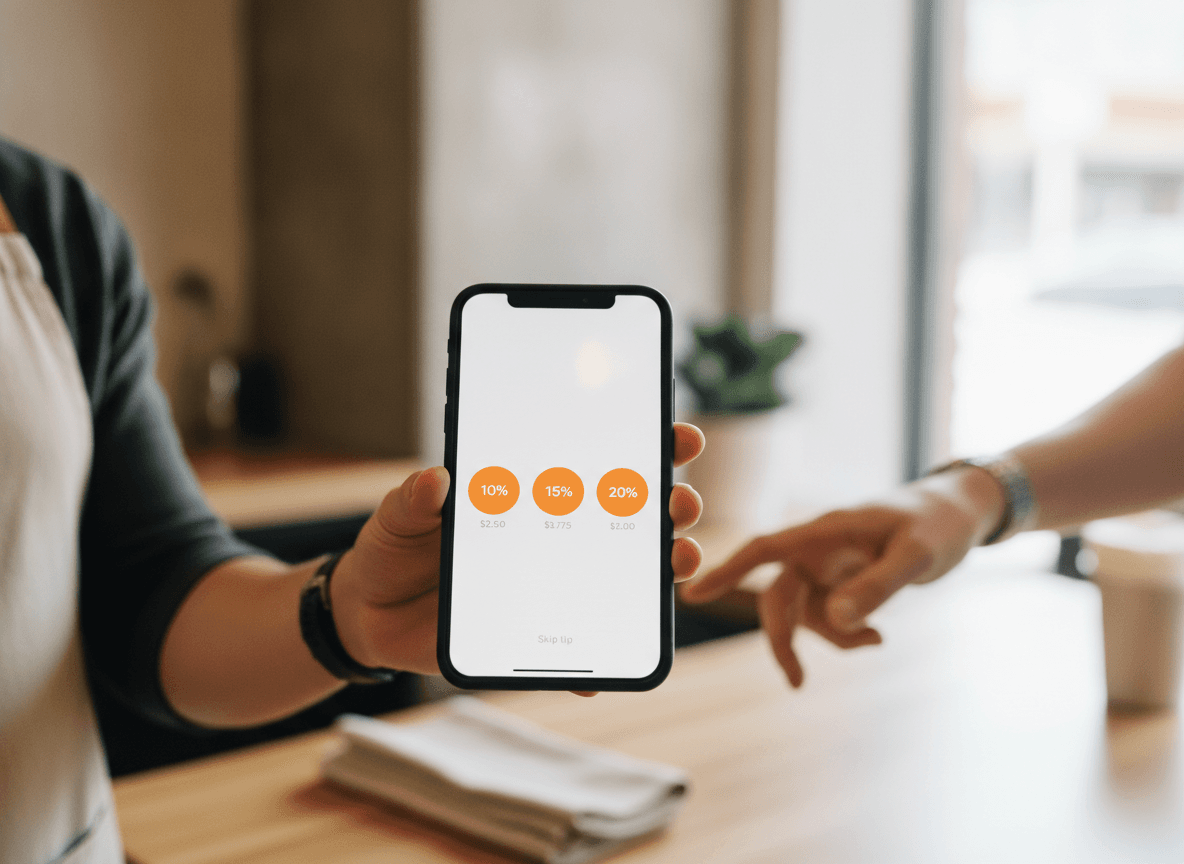
When the tip prompt comes from a phone instead of a terminal, guests tip. The amounts are calculated, the buttons are big, the Skip is there if they want it. Restaurants here see tip share land around 18% on tap-to-pay orders.
- Three preset percentages, customisable
- Skip tip is always available, never hidden
- Tips go to the right shift automatically
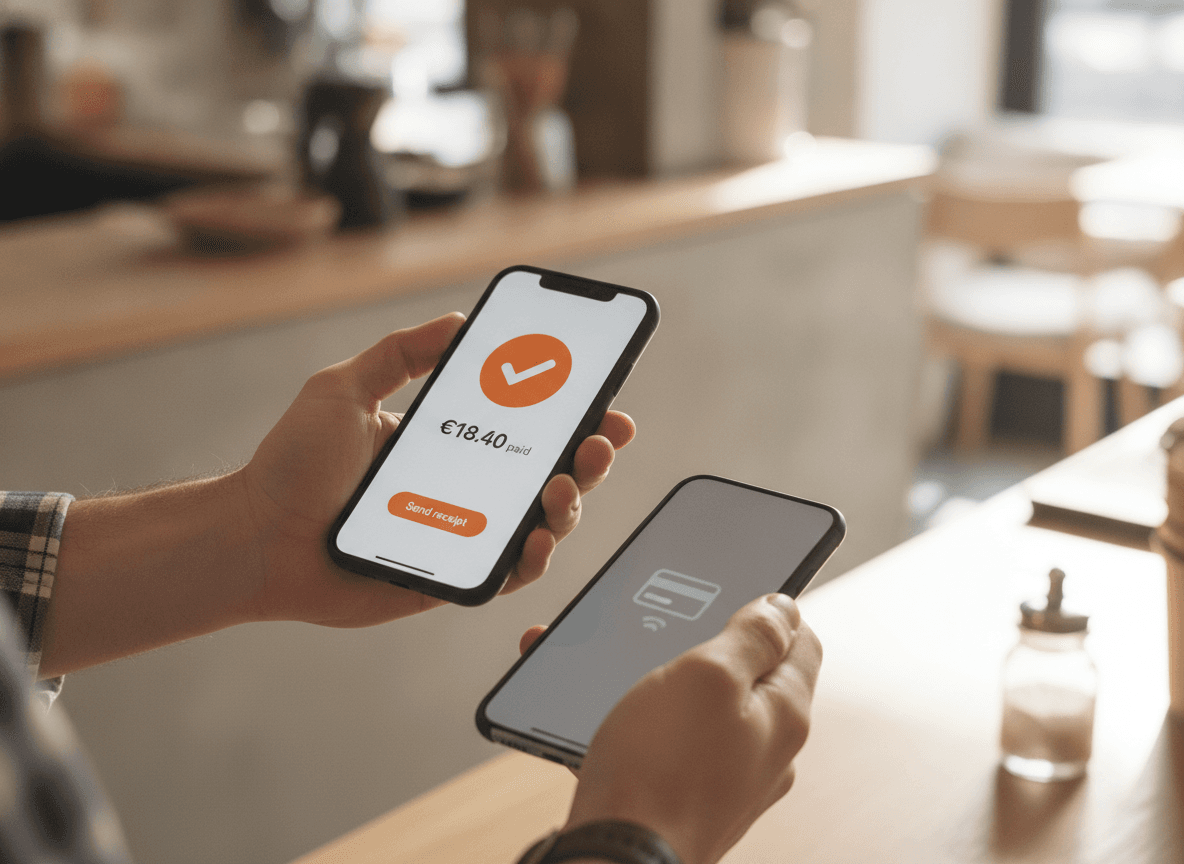
Send the receipt. Skip the paper.
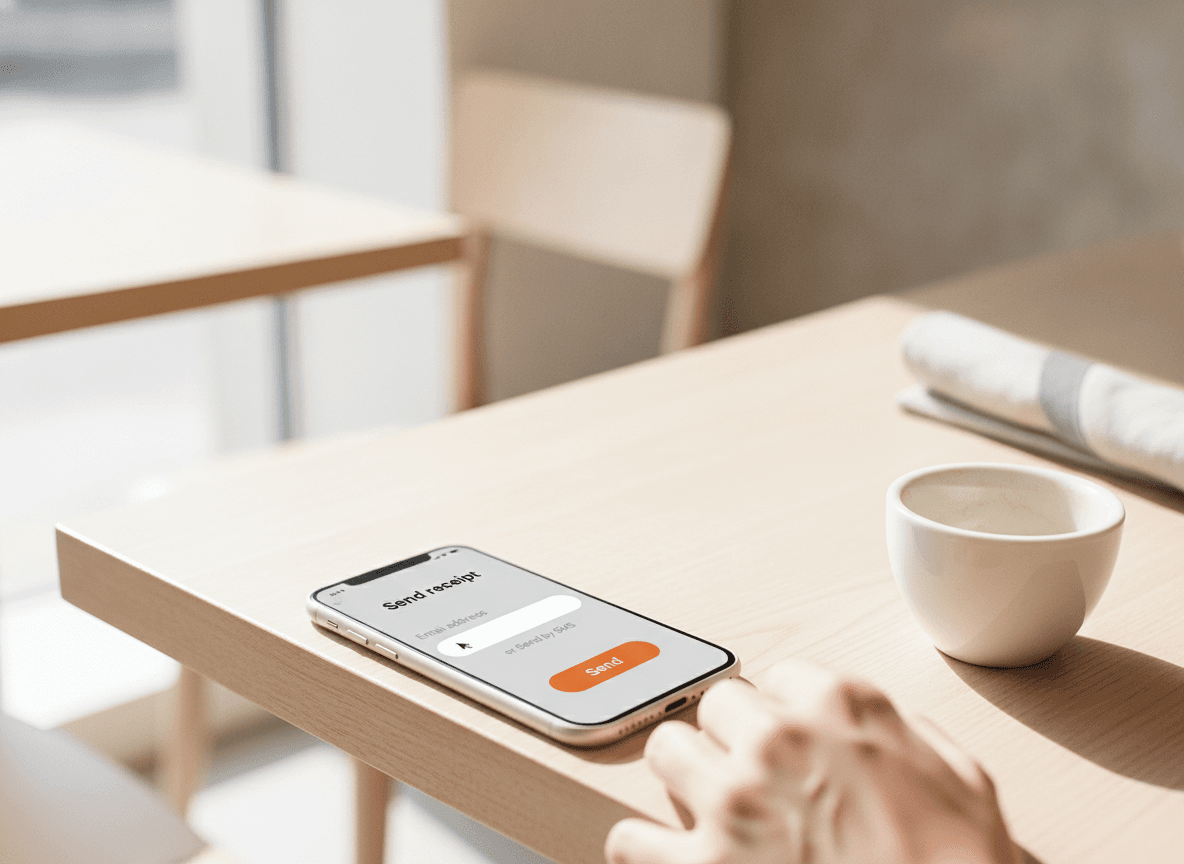
Most guests don't want paper. Type their email or phone number and the receipt arrives in three seconds. They get a copy they can find later. You save a printer roll and a kilo of paper a week.
- Email or SMS receipts in under 3 seconds
- Still print on demand if a guest asks
- Receipt looks like your restaurant, not a generic VAT slip
What's included
What's in the box
- Tap to Pay on iPhoneiPhone XS or newer, no extra hardware.
- Apple Pay & Google PayPhones, watches, wallets, all accepted.
- PSD2 compliantStrong customer authentication built in.
- Instant confirmationSound and screen confirmation per payment.
- Big-button tippingThree presets, skip option, no dark patterns.
- Receipts by email/SMSOr print if your guest insists.
- Multi-staffEach tap-to-pay sale is logged to the right server.
- Daily settlementMoney in your bank within 1 business day.
- Foreign cardsTourist cards, foreign issuers, no extra setup.
What a card terminal actually costs you.
A rented terminal is not a one-off purchase. It is a line on the bank statement every month for the length of the contract, plus the hardware, plus the setup.
A rented card terminal
€30 / month
Typical restaurant rental, on a 12 to 48 month contract, plus setup and delivery. Around €360 a year, every year, per terminal.
QwikEat on the phone you already own
No terminal
No terminal to rent, no hardware to buy. Tap to Pay is part of your QwikEat plan, which also runs your orders, menu and register. Card payments carry Stripe's processing fee plus a small QwikEat fee, detailed on our pricing page.
Terminal pricing varies by acquirer and contract length; €30 a month is a typical restaurant rental. Card-processing fees apply either way, at your processor's published rates.
Getting started
Set up in under ten minutes.
- 01
Connect your account
Sign up to QwikEat. Verify your business (ID + bank details, takes 3 minutes) so payouts can land in your account.
- 02
Enable Tap to Pay
On any iPhone XS or newer, turn on the Tap to Pay setting in QwikEat. The first time, Apple walks you through a one-minute setup.
- 03
Take your first payment
Open the QwikEat POS, ring up an order, hand the phone over. The guest taps card, phone or watch. Done in 3 seconds.
Bank-grade encryption on every transaction. Money lands in your account, not a marketplace's.


Frequently asked questions
Which phones support Tap to Pay?
Do I need an iPad or a card reader on top?
When does the money hit my bank?
What does it cost per transaction?
Is it secure?
Can I take a phone payment without an order in QwikEat?
What about tips?
How much does it cost?
Do I still need a card terminal at all?
What if a guest's card is not contactless?
Is there a limit on the amount?
Can I refund a payment?
What about printed tickets?
What happens if the internet drops?
Can several staff take payments at the same time?
Skip the €600 card terminal. Use your phone.
Visa, Mastercard, Apple Pay, Google Pay. All tapped to the iPhone you already carry. Three seconds per transaction.