
Products/Mobile POS
A complete point of sale. On the phone in your pocket.
Take orders, charge cards with Tap to Pay, print to the kitchen, send receipts and read today's numbers, all from the iPhone or Android phone you already carry. No terminal, no tablet, no cash register. Free, with no subscription.
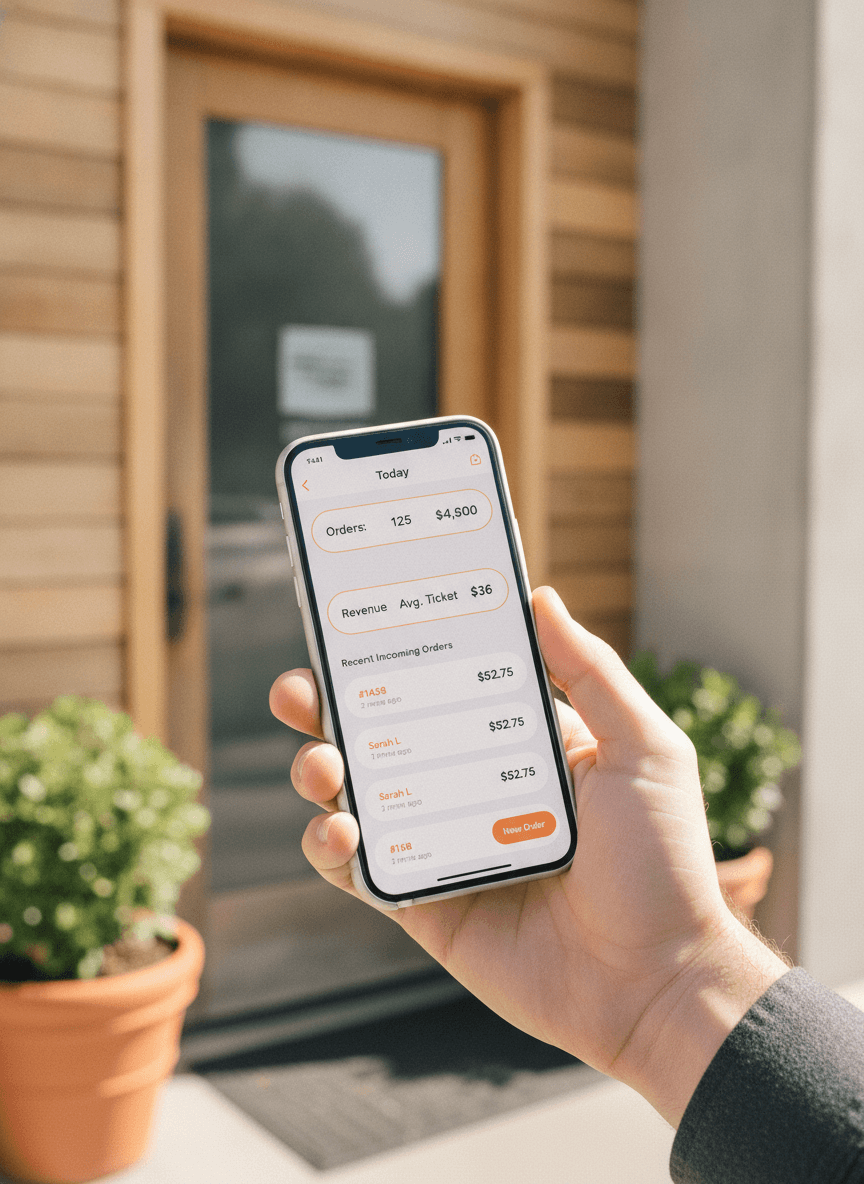
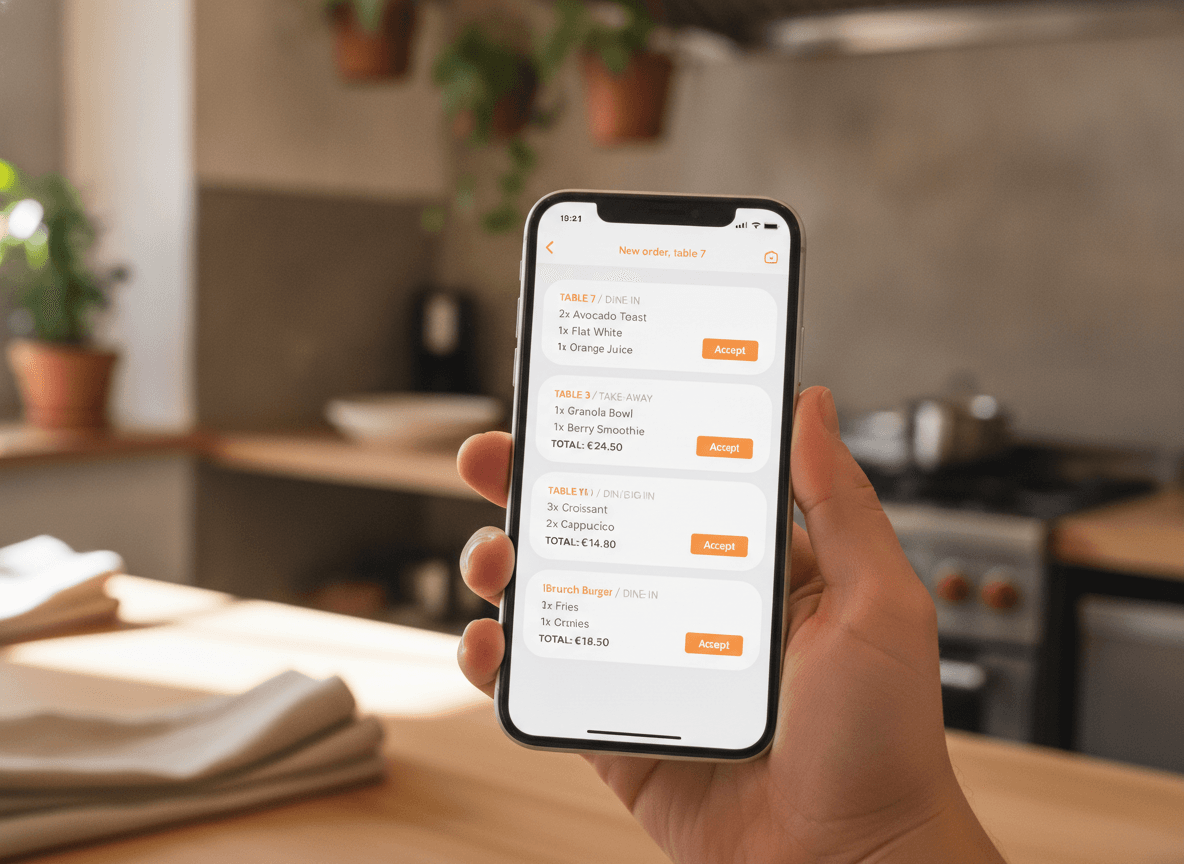
Take the order where the customer is standing.
Counter, queue, terrace, service window, market stall. Open the app, tap the items, add a modifier, send it. The order is on the kitchen list and on the printer before the customer has put their wallet away. It is the same register your desktop runs, laid out for one thumb.
- Categories, items, modifiers, notes, quantities
- Dine-in, takeaway and delivery on one screen
- Orders from your QR menu and website land in the same list
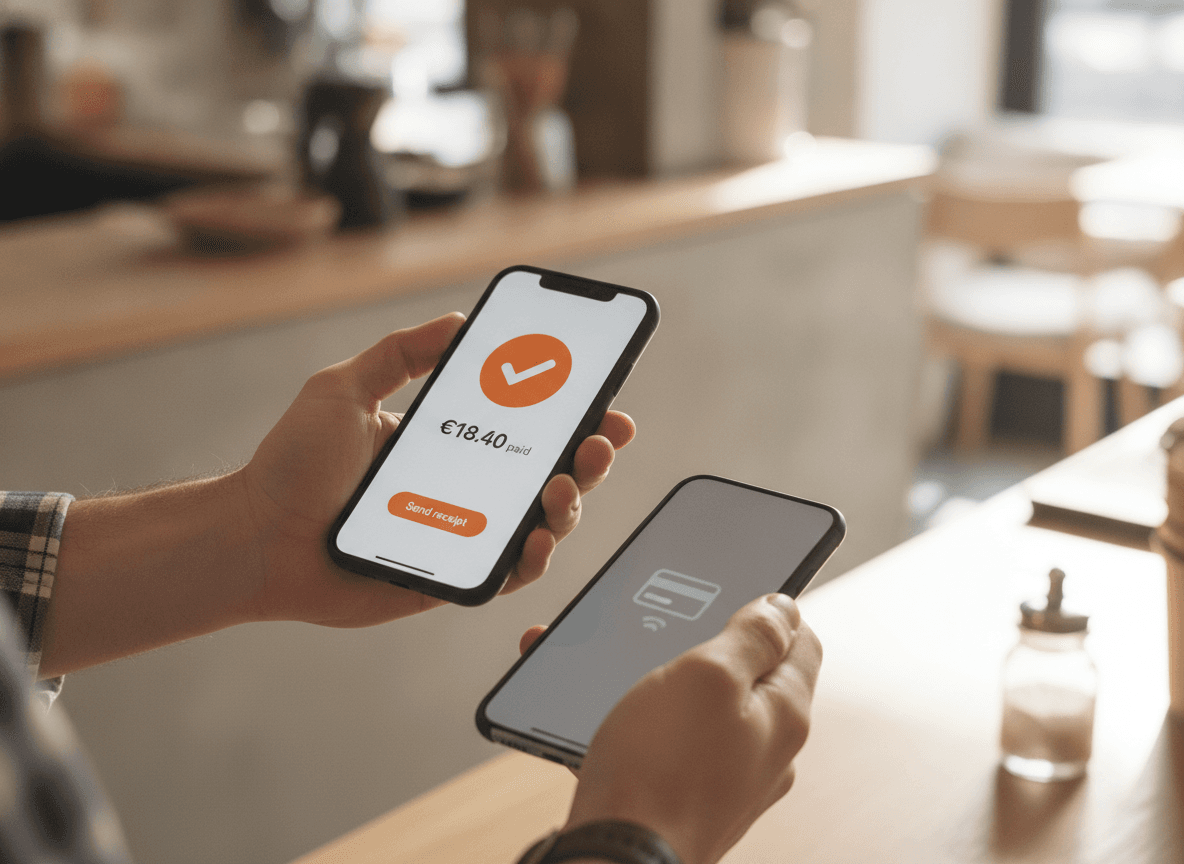
Charge the card on the same phone.
No terminal to rent, no reader to charge overnight, no second device to lose. Tap to Pay on iPhone uses the NFC chip already in the phone: ring up the order, the customer taps their card, phone or watch, and it is done in three seconds. Receipts go by email.
- Visa, Mastercard, American Express, Apple Pay, Google Pay
- iPhone XS or newer, nothing to buy
- Card or cash, marked on the order
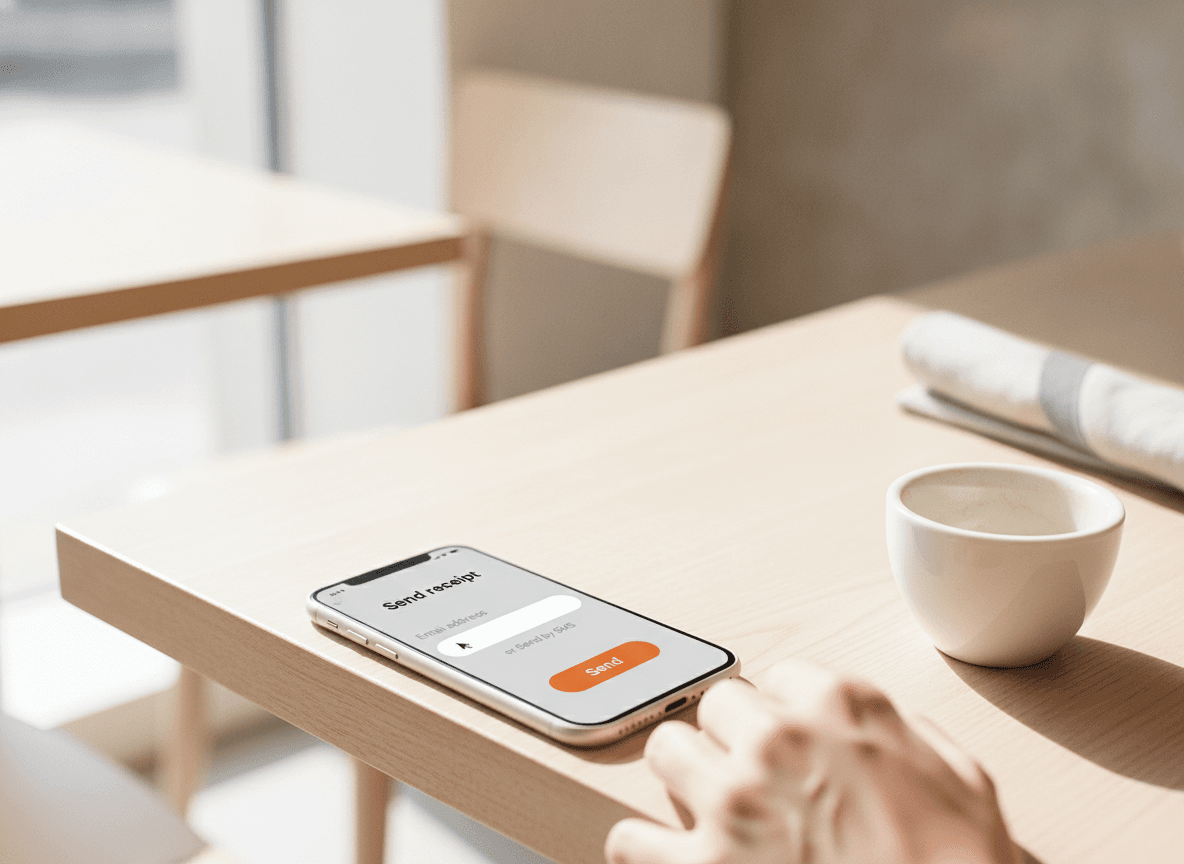
Kitchen tickets and receipts, on paper if you want them.
Pair a Bluetooth thermal printer once and print the kitchen ticket or the customer receipt from any order in one tap. No printer? Receipts go out by email in seconds, and most customers prefer it that way.
- Bluetooth thermal printers, ESC/POS
- Kitchen tickets and customer receipts, one tap
- Email receipts included
Sold out at 8:30? Fix it before the next order.
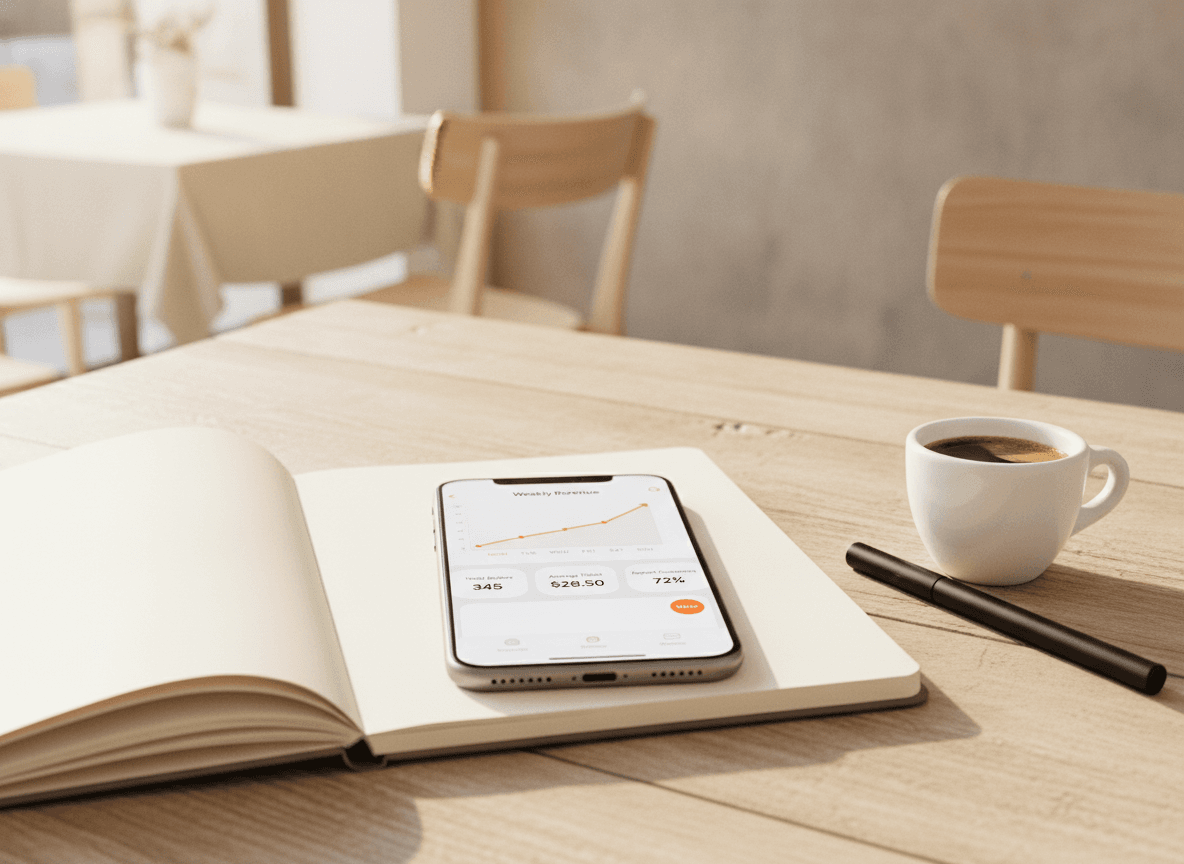
Switch an item off, change a price, close early, all from the phone in your hand. The change reaches your QR menu, your website and the register instantly. Then read the day while you lock up: revenue, orders, average ticket, best sellers, tips.
- Sold-out toggle and price edits from the line
- Today, this week, this month at a glance
- Payouts and tips
What's included
What's in the box
- RegisterRing up orders with modifiers, notes and quantities.
- Tap to Pay on iPhoneThe phone is the card terminal. No reader, no rental.
- Cash or cardMark any order paid by card or by cash.
- Kitchen printingBluetooth thermal printers, kitchen tickets and receipts.
- QR and online ordersOrders from your menu page land in the same list.
- Menu editsSold out, prices, hours, from anywhere.
- Today's numbersRevenue, orders, average ticket, VAT, payouts.
- Multi-locationSwitch shops in two taps, one login.
Getting started
Trading from your phone in ten minutes.
- 01
Install the app
QwikEat on the App Store or Google Play. Create your account in the app, or sign in with the one you already have.
- 02
Add your menu
Type it in, import it, or photograph the board on your wall and let the AI builder do the typing. Set your order types and prices.
- 03
Take the first order
Ring it up, tap the card, print or send the receipt. Turn on Tap to Pay in Settings the first time; Apple walks you through it in a minute.
Bank-grade encryption on every transaction. Money lands in your account, not a marketplace's.


Frequently asked questions
Is this a real POS, or a companion to the desktop version?
Which phones work?
Do I need a card reader?
Can I print kitchen tickets from a phone?
Does it work in a food truck or at a market with bad Wi-Fi?
How do orders from my QR menu or website reach the phone?
How much does it cost?
Can I add a tablet or a desktop later?
Skip the terminal, the tablet and the register. Keep the phone.
Orders, Tap to Pay, printing, receipts and today's numbers, from your pocket. Free, with no subscription.