
Solutions/Sushi
A sushi ordering system that keeps the menu sharp and the service clean.
Show every set clearly, take direct online orders, and let guests order from the table without waiting. Your brand, your customers, 0% commission.
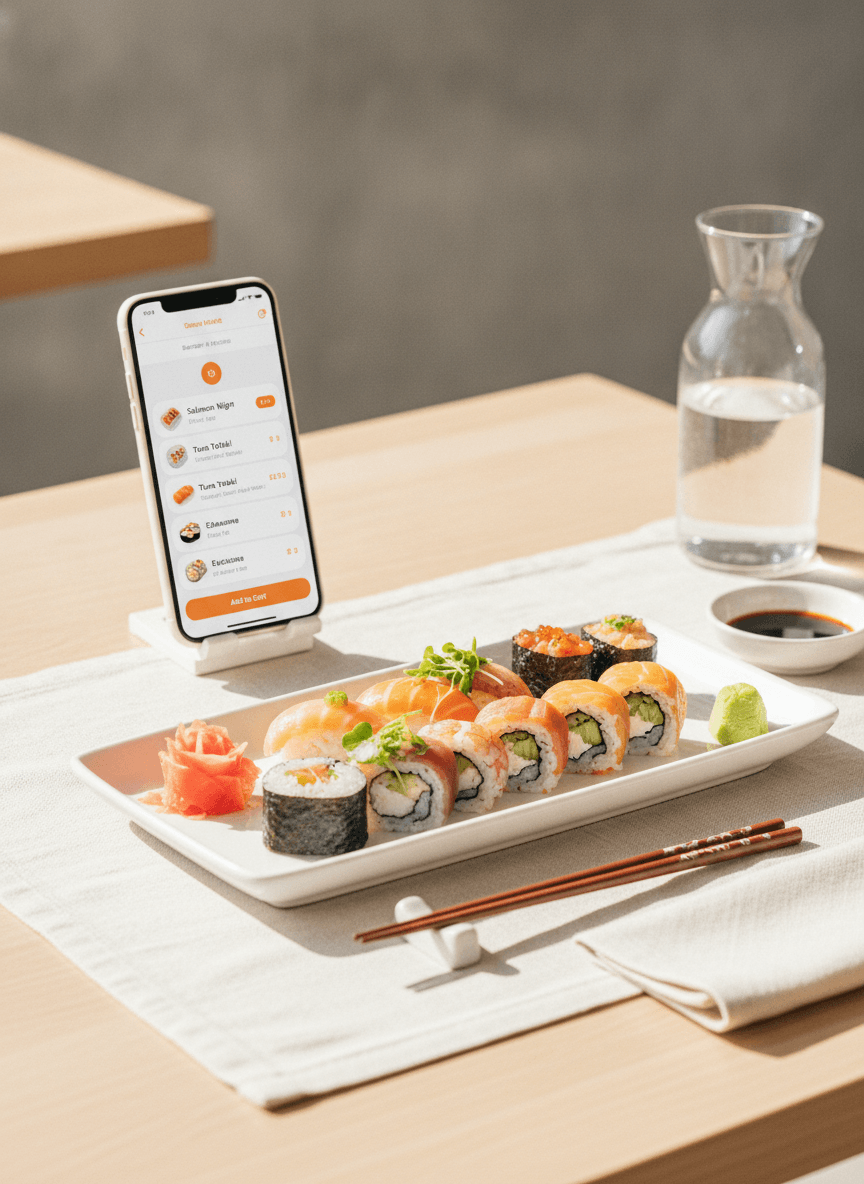
Make every roll, box and set easy to understand.
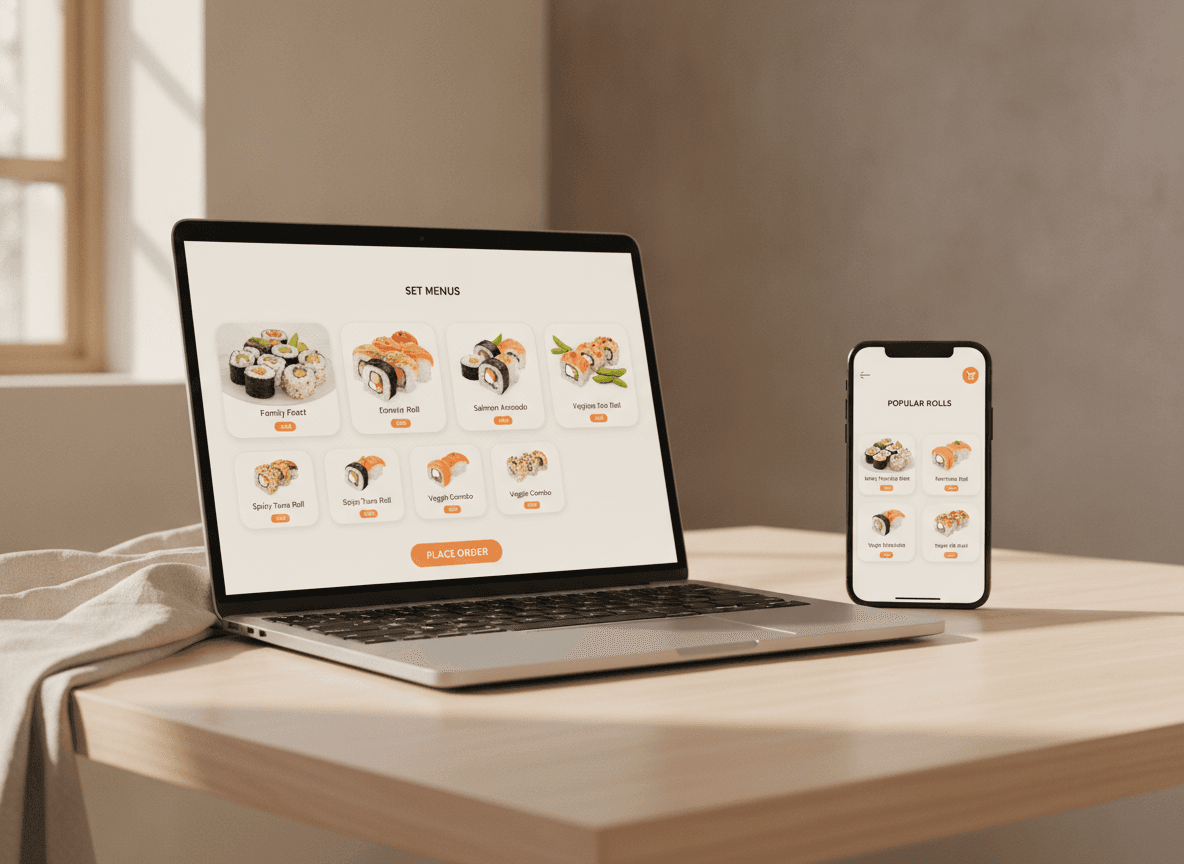
Sushi menus get complex fast: combos, sauces, extras, box sizes, lunch deals. QwikEat gives you a clean, visual digital menu so guests order confidently instead of hesitating.
- Clear sections for nigiri, rolls, sashimi and sets
- Photos and descriptions that guide choice
- Simple add-ons and side selection
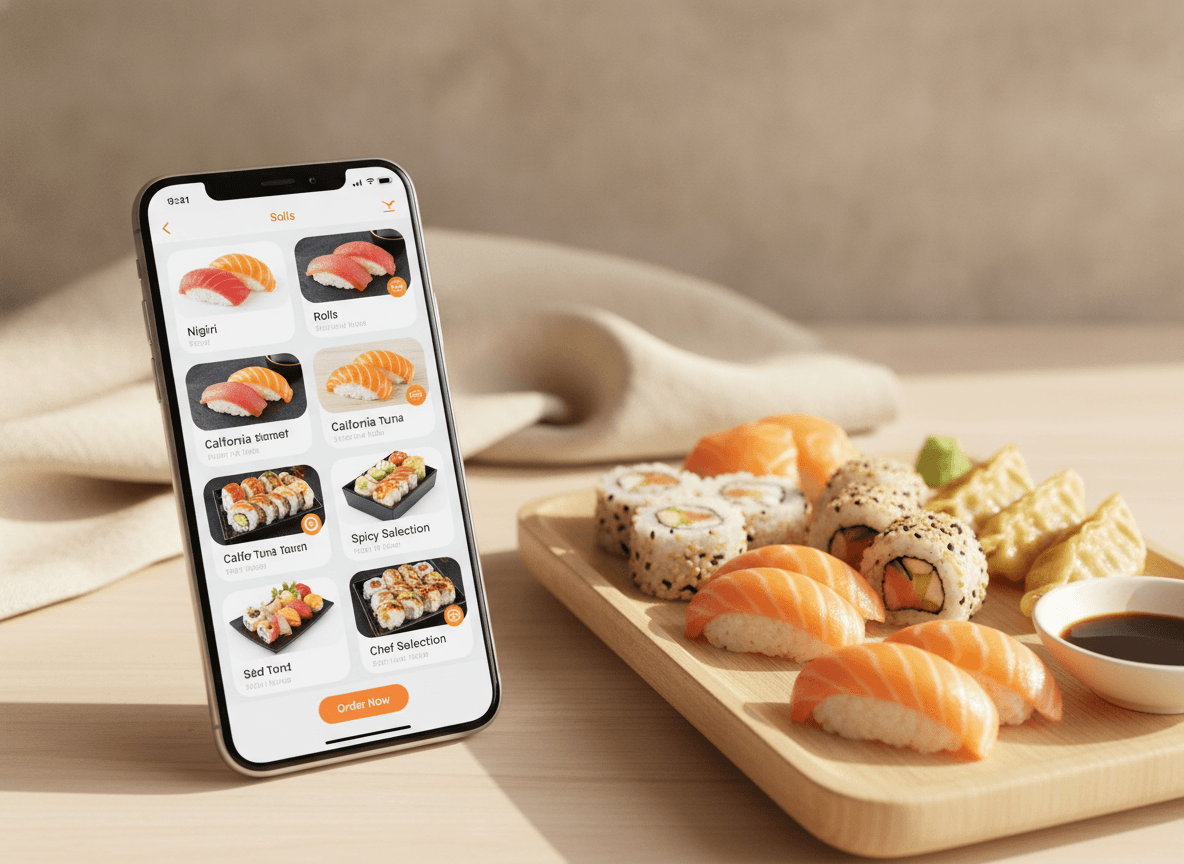
Own the repeat customer, not just the first ticket.
Customers who already know your sushi should not have to come back through an aggregator. QwikEat gives you direct ordering on your own branded page, with your own prices and customer relationship.
- Branded direct-order page
- 0% commission on direct orders
- Customer data for repeat visits and campaigns
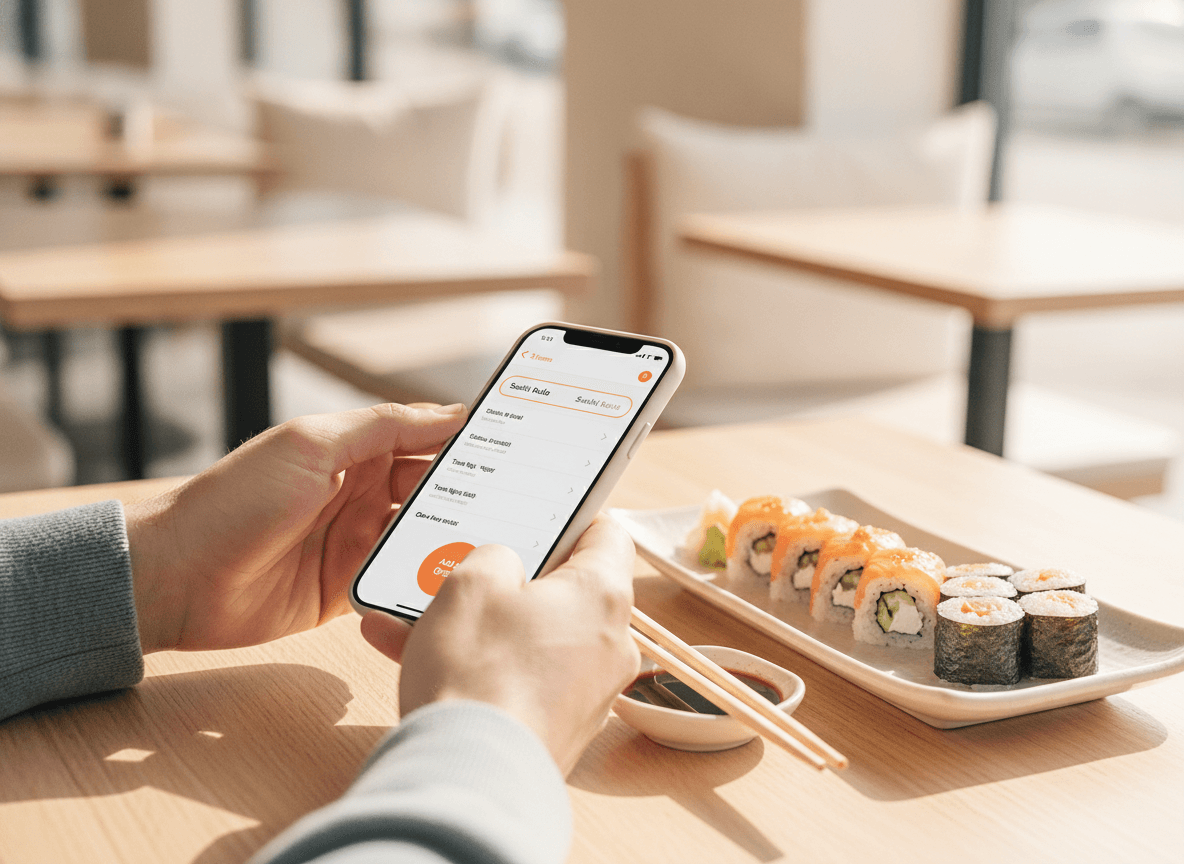
QR ordering at the table without breaking the experience.
For lunch rush or quieter evening service, table ordering helps guests reorder drinks, add sides or settle the bill without chasing staff. Service stays smooth and composed.
- Guests reorder without flagging someone down
- Fewer delays during lunch rush
- A cleaner, quieter front-of-house rhythm
Built for detail-heavy menus and repeat demand.
What's in the box
- Digital menuPresent complex sushi menus clearly with photos and structure.
- Direct online ordersTake pickup or delivery-ready orders on your own page.
- QR table orderingLet guests order or reorder from the table.
- Branded experienceKeep the customer relationship with your own venue.
- 0% commissionKeep the full value of every order. No marketplace taking a cut.
Getting started
Go live without menu chaos.
- 01
Build the menu clearly
Upload sets, rolls, nigiri, extras and lunch deals with photos.
- 02
Publish your ordering page
Share the direct-order link for pickup, delivery or reservations follow-up.
- 03
Use QR in service
Let guests order or reorder from the table while staff keep service composed.
Frequently asked questions
What is the best ordering system for a sushi restaurant?
Can I show photos and detailed options for each item?
Can I take direct sushi orders without commission?
Does QR ordering work in a sushi dining room?
How much does QwikEat cost for a sushi venue?
Sharper menu, calmer service.
Set up direct ordering, a clean digital menu and QR table ordering for your sushi restaurant in minutes. Your brand, your customers, 0% commission.